How to Create Seedance 2.5 Videos With People in Affogato
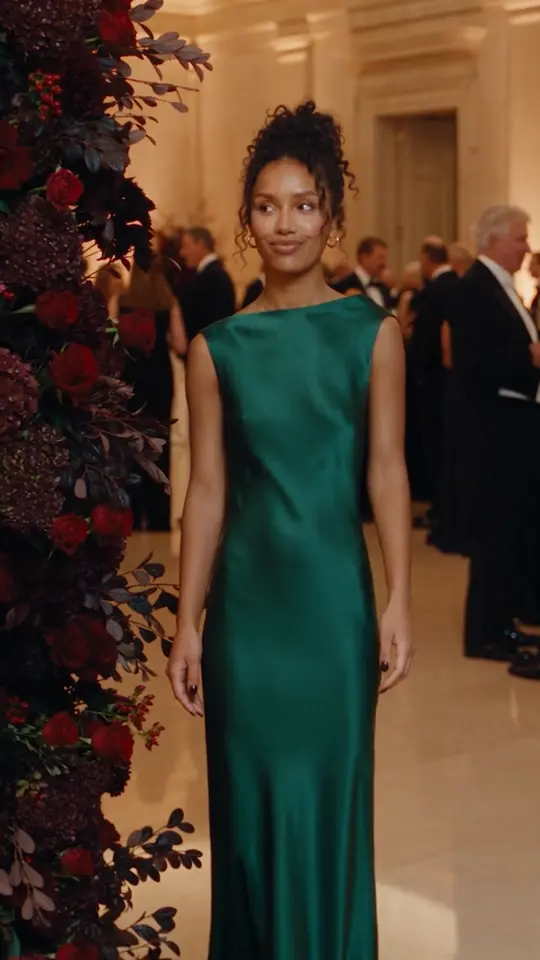
Take the same person into new scenes with Seedance 2.5 in Affogato. See Noor at the beach, a black-tie event and a mat workout.
A photo of a person should be the beginning of a video idea. If your Seedance 2.5 provider blocks that photo because it contains a human face, the idea stops before you can generate anything.
Affogato supports creating Seedance 2.5 videos with people, so you can take a recognizable face into a new scene, outfit and performance. That opens up something more useful than making a photograph move: a continuing character who can appear across an entire series.
You can build that series in the web app or bring the workflow into your own product through the API. Start with one person, give each clip a clear action, and see how far you can take the same identity.
Let’s take the example of Noor
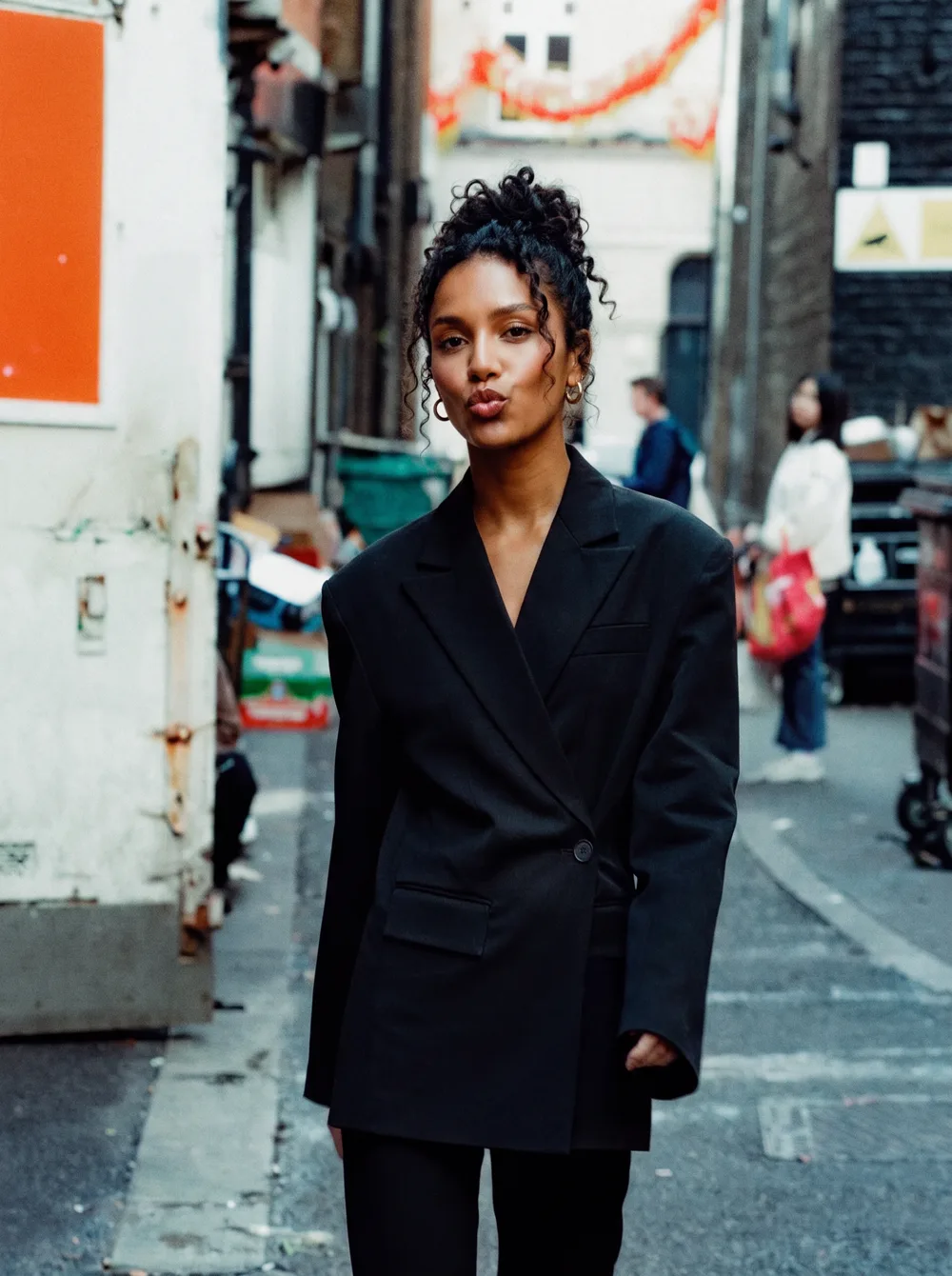
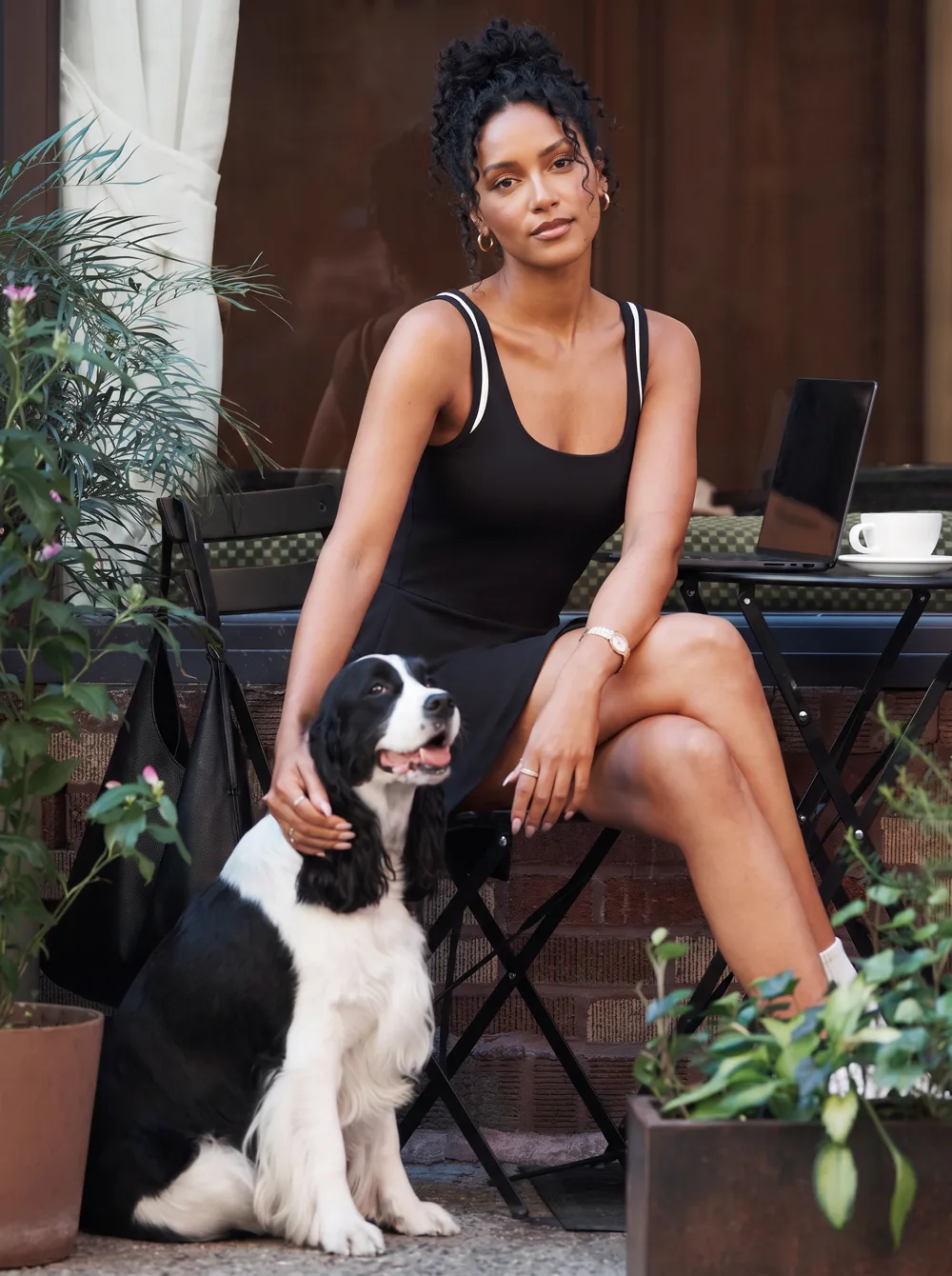
Meet Noor, a fictional character. Here she is in two everyday moments: out on the street and at a café with a dog. Her face, curls and hoop earrings make her recognizable in both photographs.
Those two moments do not have to define every video she appears in. We used Affogato’s Seedance 2.5 workflow to create three new scenes, each with its own wardrobe, surroundings and movement. The clips below are the generated results, eight seconds each.
1. Take Noor to the beach
Noor sits on the sand in a bikini, traces a circle beside her and looks toward the water before turning back with a smile. The action is small enough to read immediately, while the beach gives the clip a completely different context from either photograph.
This kind of moment can introduce a travel story, a holiday collection or a lifestyle series. Give the person something specific to do: tracing the sand, turning toward the sea or looking back at the viewer. A clear action gives a short clip a beginning and an ending.
2. Put her on the guest list
Next, Noor walks through a formal reception in a floor-length gown. Guests fill the room behind her. She approaches the camera, pauses beside a floral arrangement and smiles toward someone nearby.
The change in wardrobe and setting gives the same character a different role. For a fashion story, that could mean moving from an everyday outfit to occasionwear. For an ongoing character series, it adds a new chapter without introducing a different face every time.
3. Give her a workout scene
In the third video, Noor joins a mat session. She sits cross-legged and reaches into a side stretch while other participants exercise behind her. The camera is closer, and the movement is slower than in the reception clip.
Fitness content benefits from a focused movement that viewers can follow. One stretch makes a more readable short scene than a whole exercise routine compressed into eight seconds. Here, the session gives Noor another believable activity while keeping her familiar appearance.
Another workout moment we like
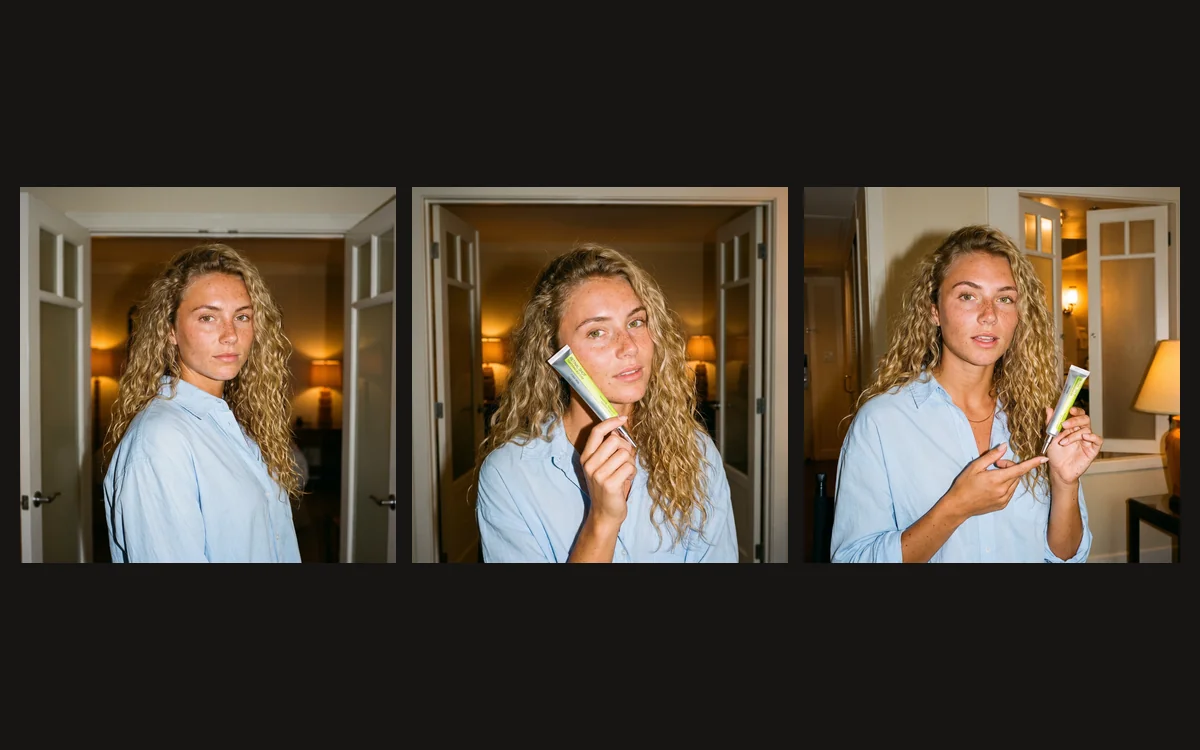
This original creator clip by @hannahzervos shows a real mat session. It is separate creator footage, not a Noor generation or an input used to make the three videos above.
Make your own Seedance 2.5 video
Open Video Studio in Affogato and select Seedance 2.5. Add your character photos, then describe the new scene you want: where the person is, what they wear, what they do and how the camera follows them. Use photos you have permission to use.
Keep the first attempt simple. One person and one short action make it easier to judge the result. Watch the whole clip before deciding: does the face stay recognizable when the person turns, do their hands move naturally, and does the action make sense from start to finish? These examples show individual results, rather than a guarantee that every take will work equally well.
Once you have a scene you like, build the next one around the same character. A beach visit, an evening out and a workout can become three parts of a continuing story instead of three disconnected posts.
Building with the Seedance 2.5 API?
You can also create these workflows programmatically with Affogato. Use the developer catalog to find the model and supported inputs, then follow the API documentation to submit a generation and retrieve its output. Build a review step into your application before treating a clip as finished.
For creators, the web app gives you a place to experiment with the person, scene and action. For developers, the API lets you bring that same creative process into a product. Start with one recognizable person and one scene worth watching.
Noor photographs created with NanoBanana Pro. Photo compositions: @kal_reston and @club_recess. Three Noor videos generated with Seedance 2.5 in Affogato; web copies compressed for playback.