Lock the face first
Upload a photo or generate a face, and it is saved as the person for every shot.
An AI photoshoot gives you a full set of photos of one person without a camera, a studio or a travel budget. In Influencer Studio you lock a face, your own from a photo or a generated one, and shoot it anywhere: a studio backdrop, a city crossing, a beach at sunset. The face stays the same in every frame, and any photo can become a video.
LOCKED IDENTITY · PHOTOS + VIDEO · 9:16 FIRST · MULTI-INFLUENCER ROSTER
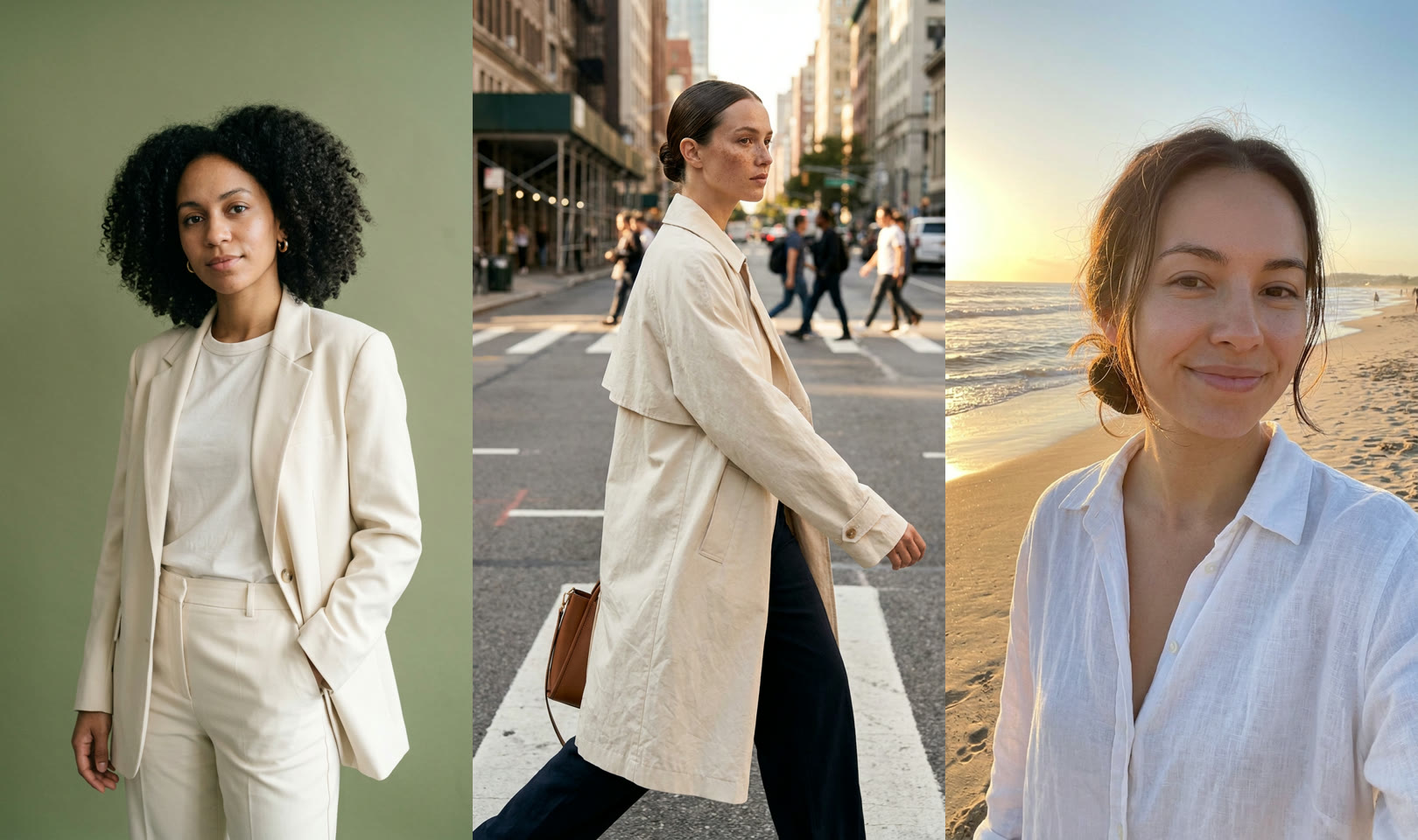
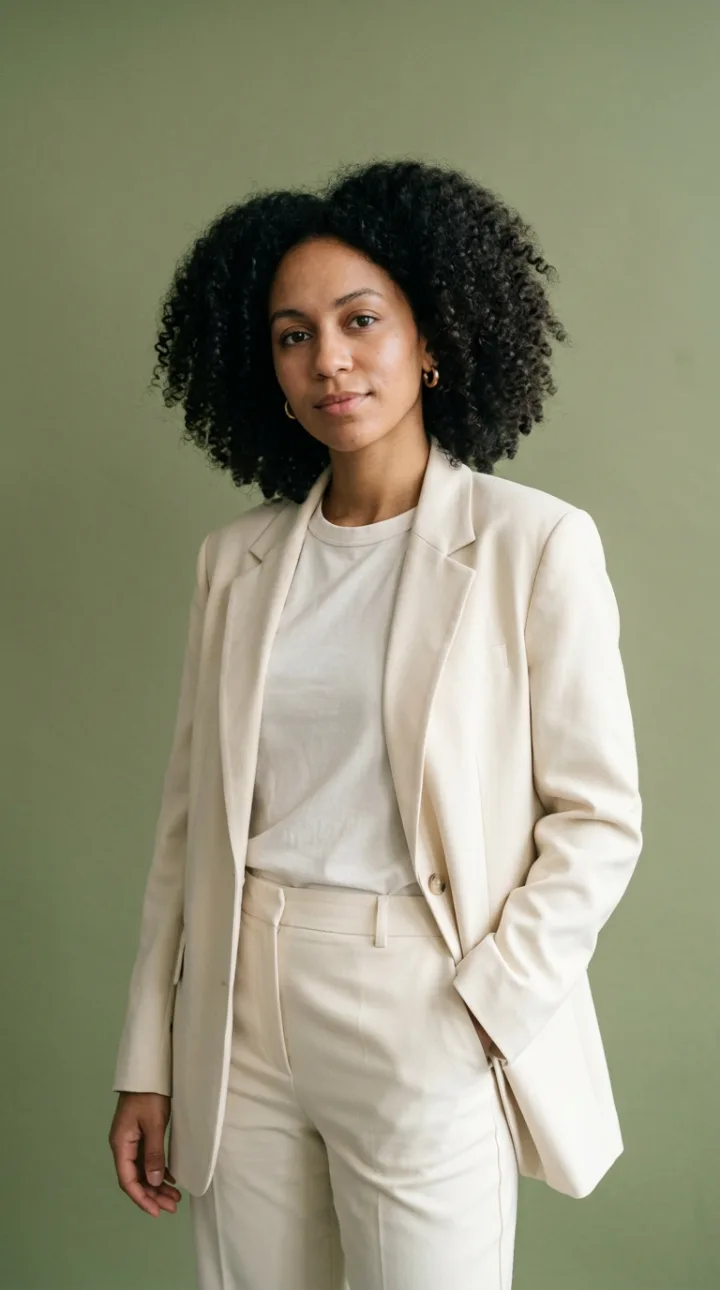
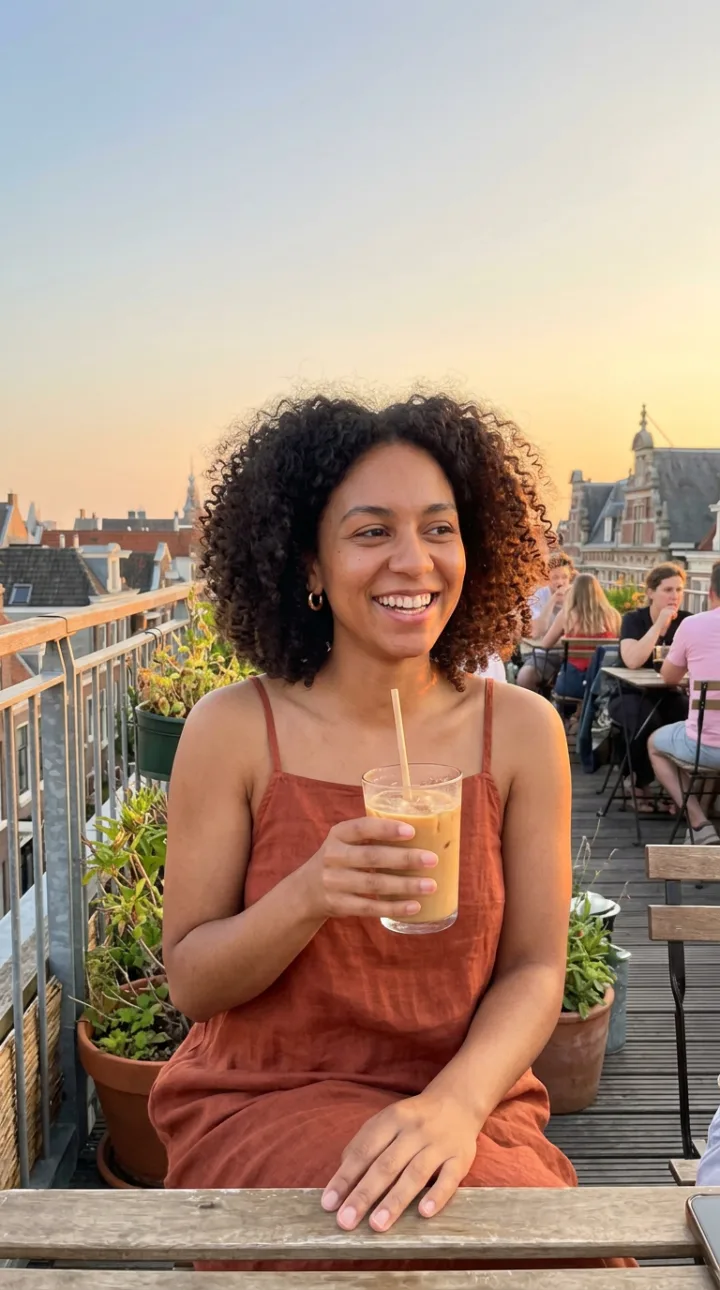
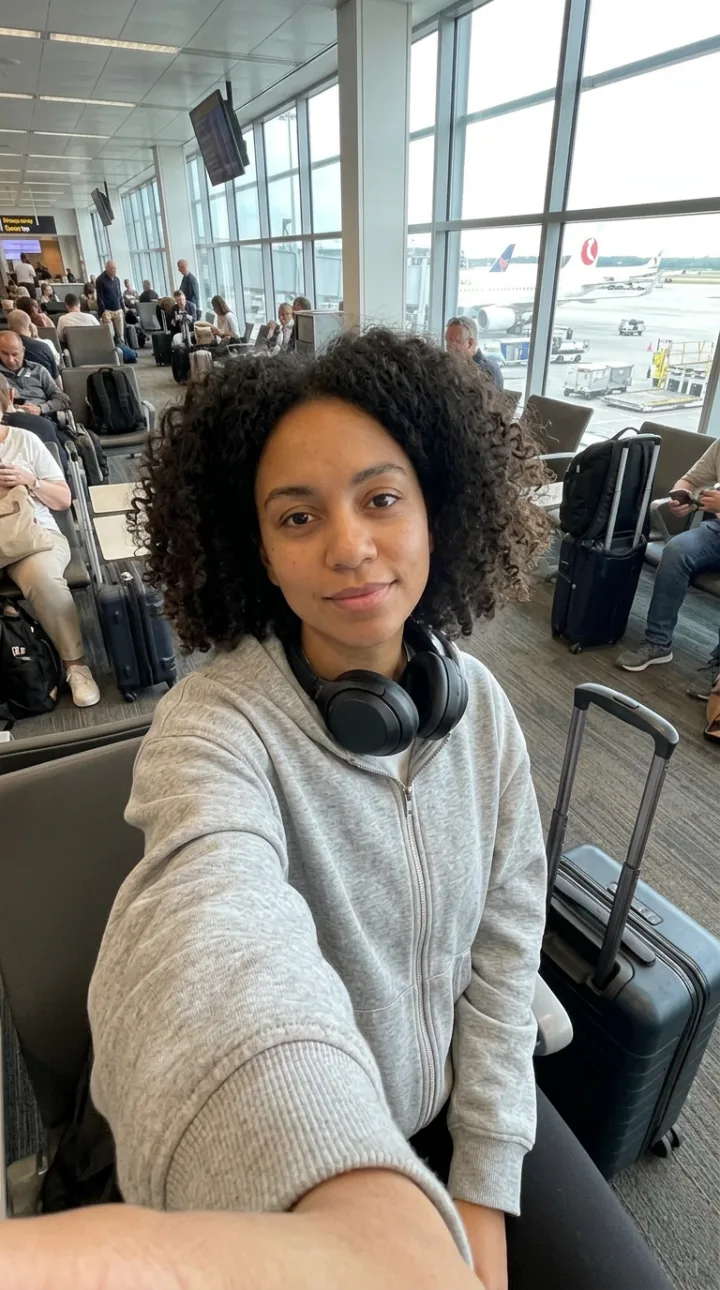
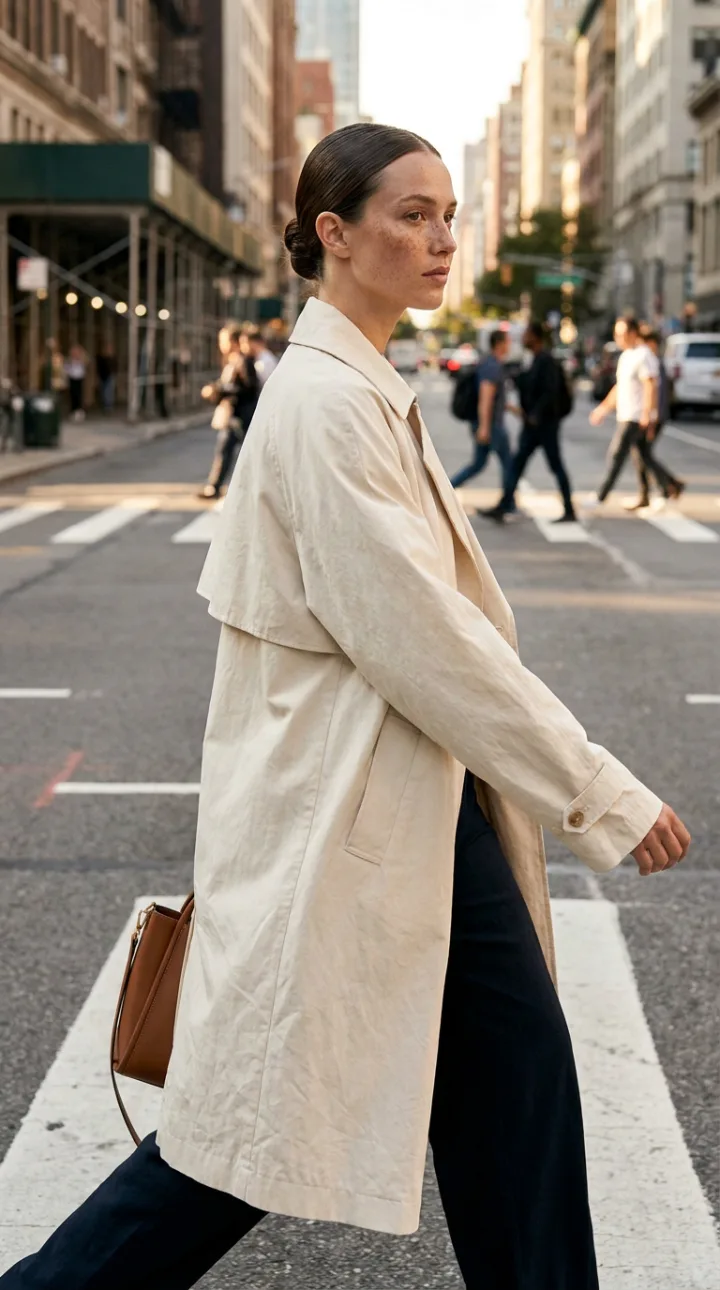
Upload a photo or generate a face, and it is saved as the person for every shot.
Studio backdrops, streets, beaches, cafes, gyms. Describe the place or copy a reference photo's composition.
Describe the look, or put a real garment on the person with Clothes Swap.
Generate 1, 2, 4 or 6 frames at a time and keep the ones you like.
Tattoos, piercings and accessories are saved with the person and appear in every photo.
Turn any frame into a 5 to 15 second clip of the same person.
Upload a face or generate one, then set body and details in the studio's wizard.
Write the scenes and outfits you want, or pick a reference image to copy its framing and pose.
Generate the frames, keep the best, and send any of them to True Touch, Upscale or video.
An AI photoshoot is a set of generated photos of one person in different places, outfits and poses, made to look like the output of a real shoot. People use it for social feeds, dating and professional profiles, brand campaigns and AI influencer accounts.
The difficult part is identity. A general image model gives you a different person each time you prompt. A photoshoot needs the opposite: one face held steady while everything around it changes. Influencer Studio does this by saving the person first, face, body and signature details, and using that saved identity in every generation.
From there it works like directing a shoot. You choose the locations and looks, generate several frames per setup and pick the keepers. For business portraits, Headshot Studio is built for that one job, and Fashion Studio puts real clothes on a model.
A month of posts from one afternoon.
A consistent persona across every location.
A model in your settings without a production.
Lifestyle photos of you for a site or a profile.
One model, a series of outfits.
Yes. Upload a clear photo of your face, and the studio uses it as the person in every shot.
The person is saved once, with face, body and details, and every photo is generated from that saved identity.
Yes. Describe them in the prompt, copy the composition of a reference photo, or use Clothes Swap to put a real garment on the person.
Yes. Any frame can be animated into a 5 to 15 second clip of the same person.
No. Headshot Studio makes professional portraits from one photo. An AI photoshoot covers full scenes, outfits and locations.
Open Influencer Studio, create the person and plan your first set.
NO WATERMARKS · CREDITS ROLL OVER · COMMERCIAL LICENSE INCLUDED · CANCEL ANYTIME