A model built for realism
Affogato Realism routes each prompt to the engine that renders it most like a photograph, so you don't have to pick.
Most AI portraits give themselves away: skin too smooth, light too even, framing too perfect. Affogato generates people who look photographed. Affogato Realism sends each prompt to the model that handles it best, and True Touch adds pores, fine hair and surface detail to any image that still looks plastic. Type a prompt to start.
AFFOGATO REALISM · FLUX RAWPHOTO · NANO BANANA PRO · TRUE TOUCH
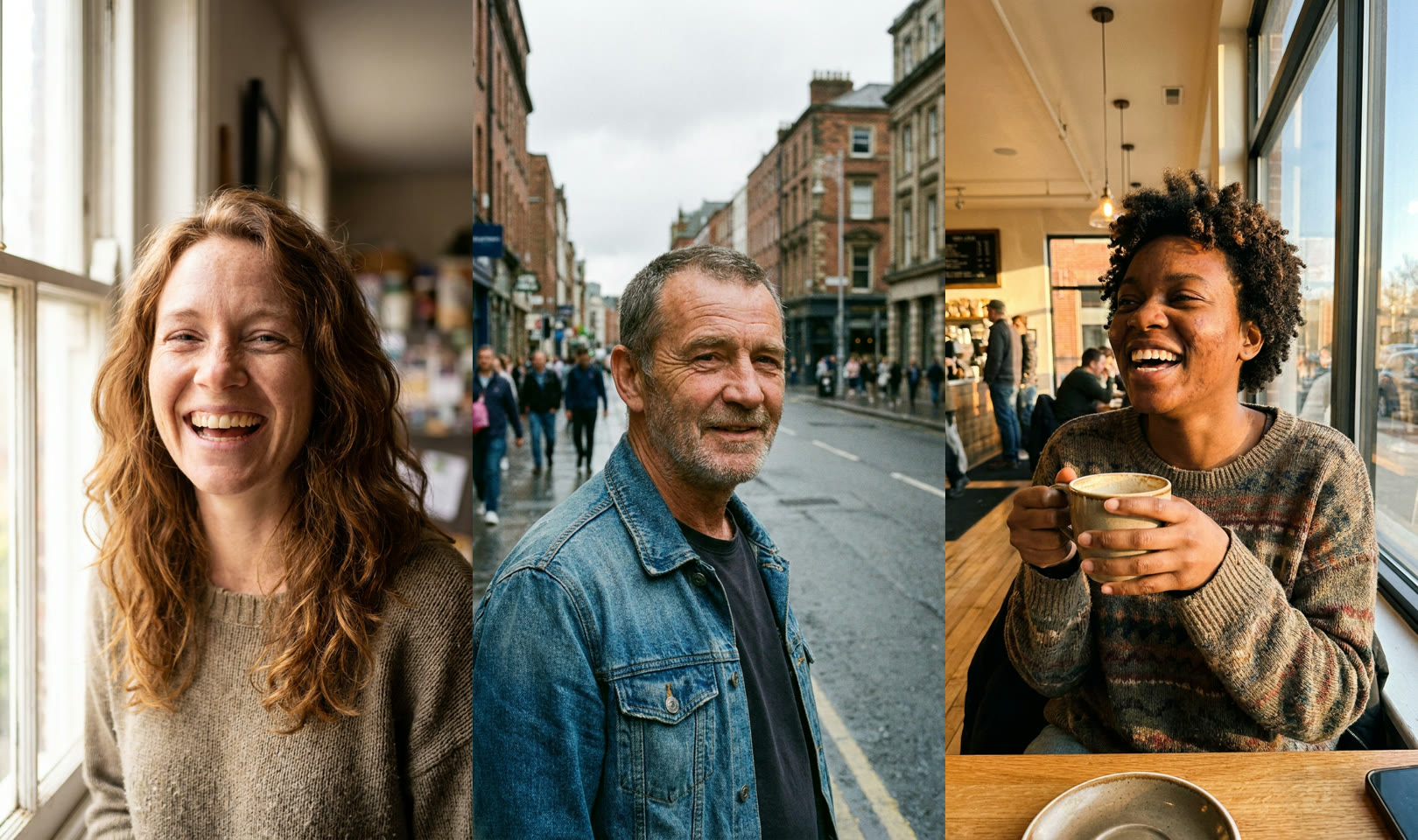
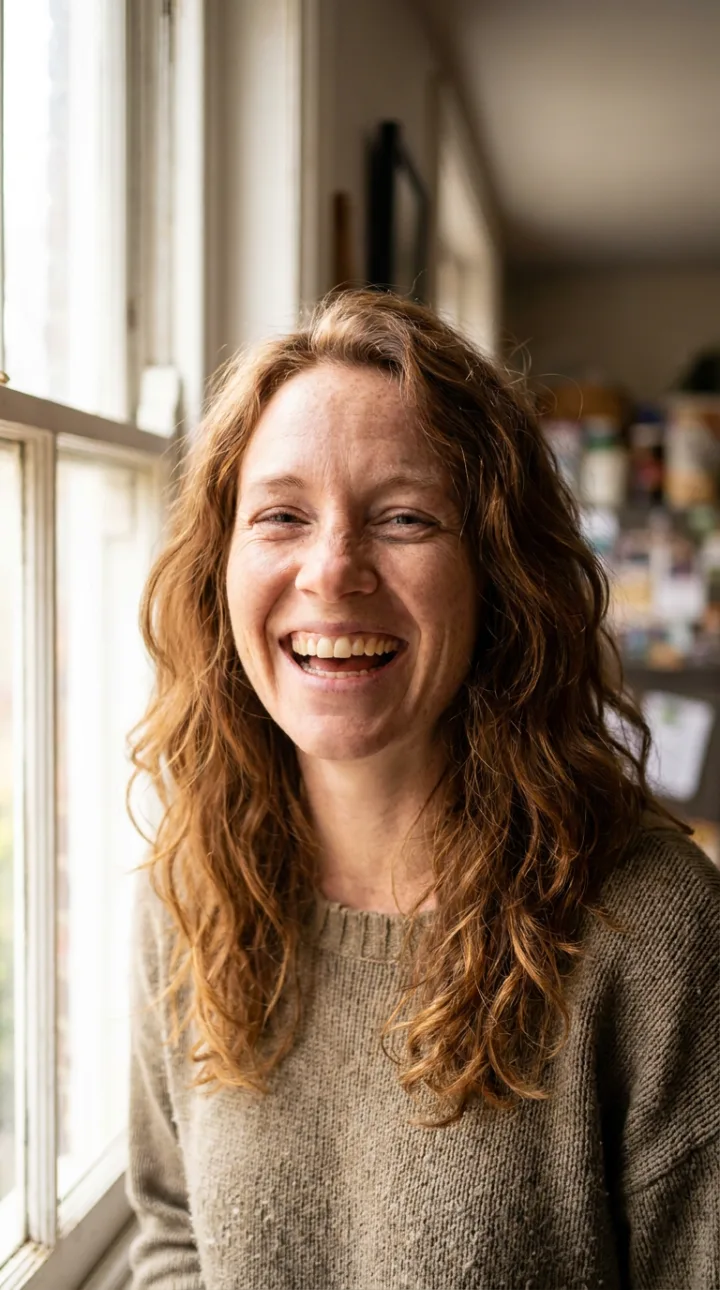
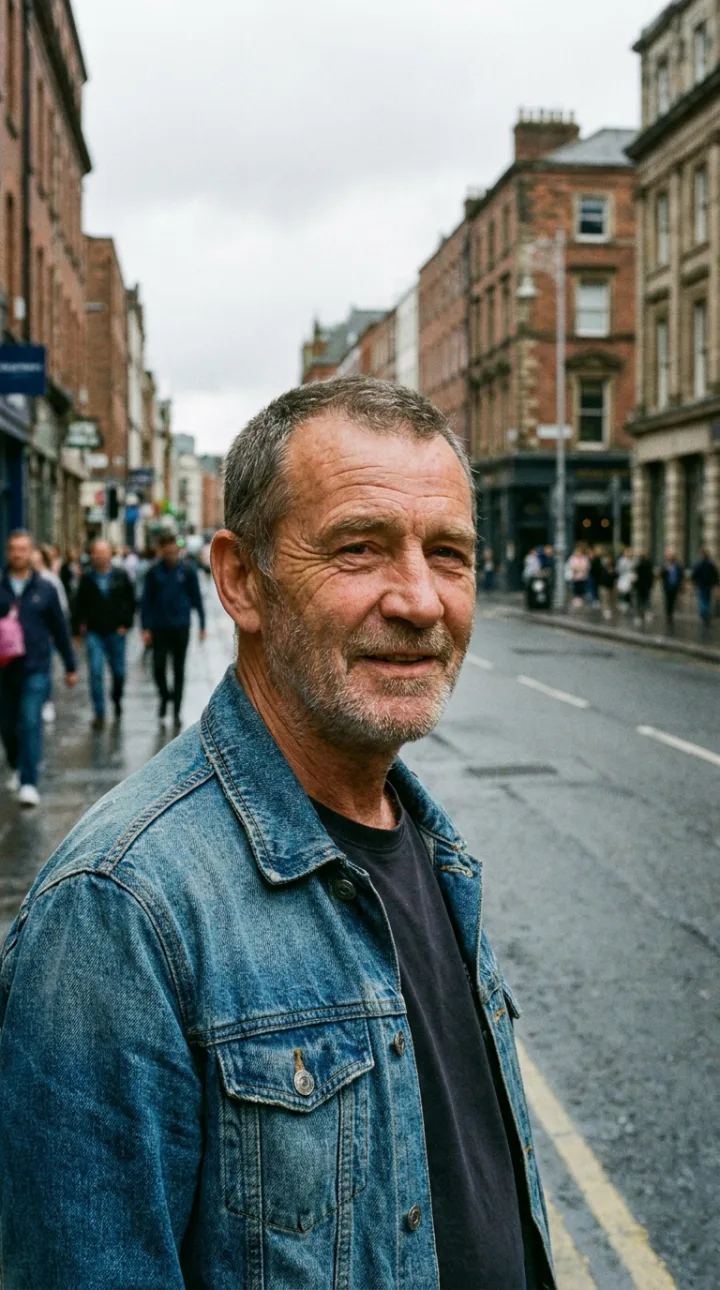
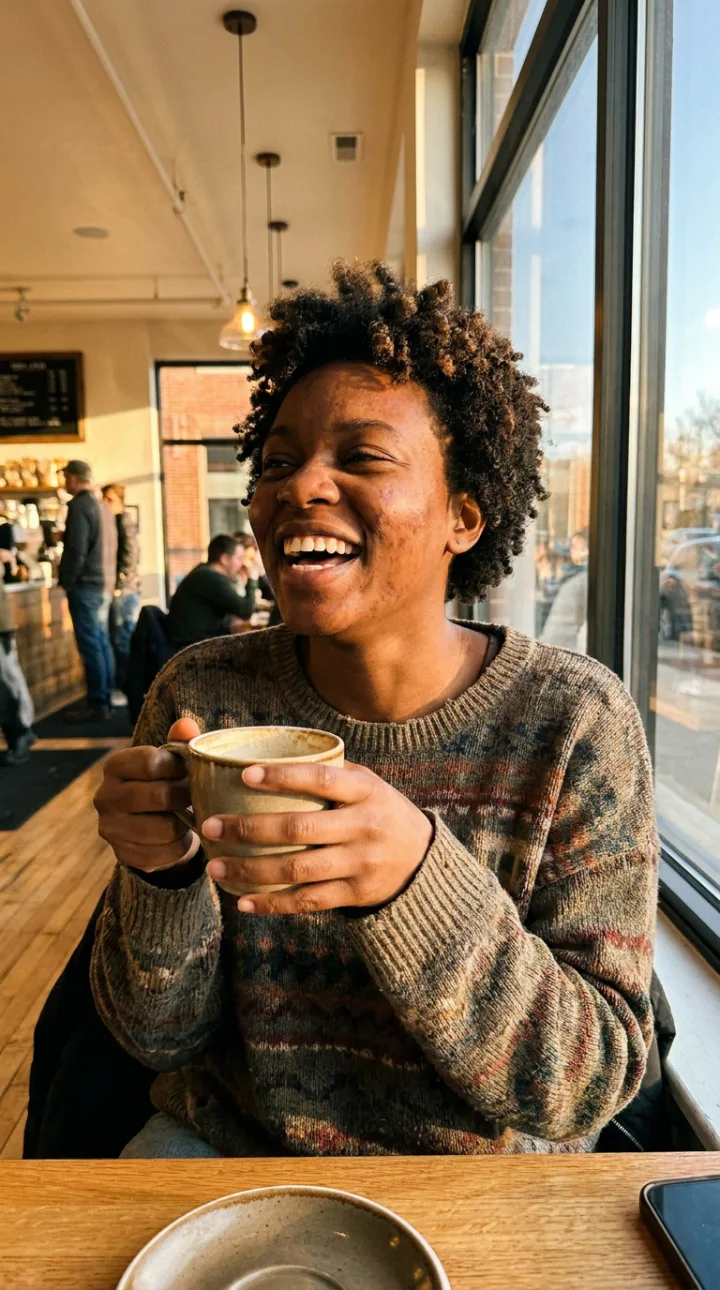
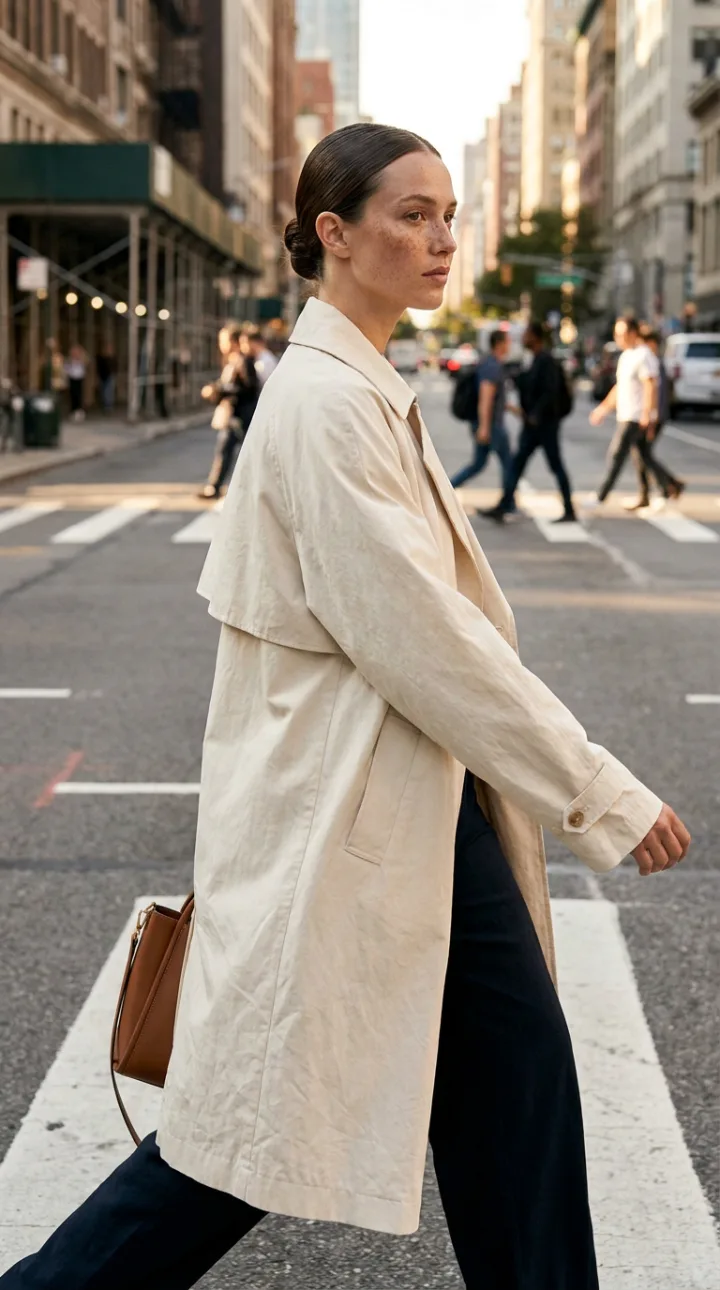
Affogato Realism routes each prompt to the engine that renders it most like a photograph, so you don't have to pick.
Pores, freckles, laugh lines and uneven tone, in place of the smooth plastic finish.
Flux Rawphoto gives candid framing, mixed light and the small flaws of a real snapshot.
Run an existing AI image through True Touch to rebuild skin texture and fine detail, at low, regular or high intensity.
Save a character and generate them in new scenes with the face kept.
Nano Banana Pro, Seedream, FLUX, GPT Image and more in one studio on one credit balance.
Say who, where and how it was shot: age, expression, light, lens. Mention skin texture and natural imperfections.
Choose Affogato Realism or Flux Rawphoto in Image Studio and pick the aspect ratio.
If the skin still looks smooth, run True Touch and upscale. Then animate the image in Video Studio if you need a clip.
An AI image reads as fake for a few repeatable reasons. Skin is airbrushed, with no pores, fine hair or variation in tone. Light falls evenly from nowhere. The subject is centred, symmetrical and too composed. Real photographs have texture, a light source and small accidents.
Realism therefore comes from two places: the model and the prompt. Some models are trained or tuned toward photography and keep skin detail; others lean toward illustration. A prompt that names the camera, the light and the moment, such as a candid shot by a window on a 50mm lens, gives a photographic result where a list of adjectives does not.
Affogato covers both. Affogato Realism picks the engine for each prompt, Flux Rawphoto gives the amateur-photo look, and True Touch is a separate pass that rebuilds skin texture on any image, including ones made elsewhere. The examples on this page were generated with Affogato Realism.
A persona whose photos pass in a feed.
People who look like customers, not renders.
Editorial shots with real fabric and skin.
Original photos of people for sites and decks.
Remove the plastic look from images you already have.
It depends on the subject. On Affogato, Affogato Realism chooses the engine per prompt, Flux Rawphoto is best for candid phone-style photos, and Nano Banana Pro is strong on detail and text. You can run one prompt through several and compare.
Use a realism model, ask for visible skin texture and natural imperfections in the prompt, and avoid words like flawless or perfect. If the result is still smooth, run it through True Touch.
Yes. True Touch rebuilds pores, hair and surface detail on any image, at three intensities, with an optional upscale.
Yes. Save the face as a character and it carries into new scenes, outfits and videos.
No. The people in generated images are fictional unless you upload a reference of a real person, which you should only do with their permission.
Open Image Studio, choose a realism model and generate your first portrait.
NO WATERMARKS · CREDITS ROLL OVER · COMMERCIAL LICENSE INCLUDED · CANCEL ANYTIME