Follows the performance
Expressions, speech, head turns and lighting carry over to the new face on every frame.
Video Face Swap replaces a face in a video and leaves the rest alone. Upload a clip and a photo of the new face, and the swap follows every expression, head turn and change of light, with the body, voice and scene kept as shot. It is in private beta: request access in the app. Today you can swap faces in photos with Face Swap and replace a whole person in a video with Videozypher.
PRIVATE BETA · REQUEST ACCESS · FOR FACES YOU HAVE THE RIGHT TO USE
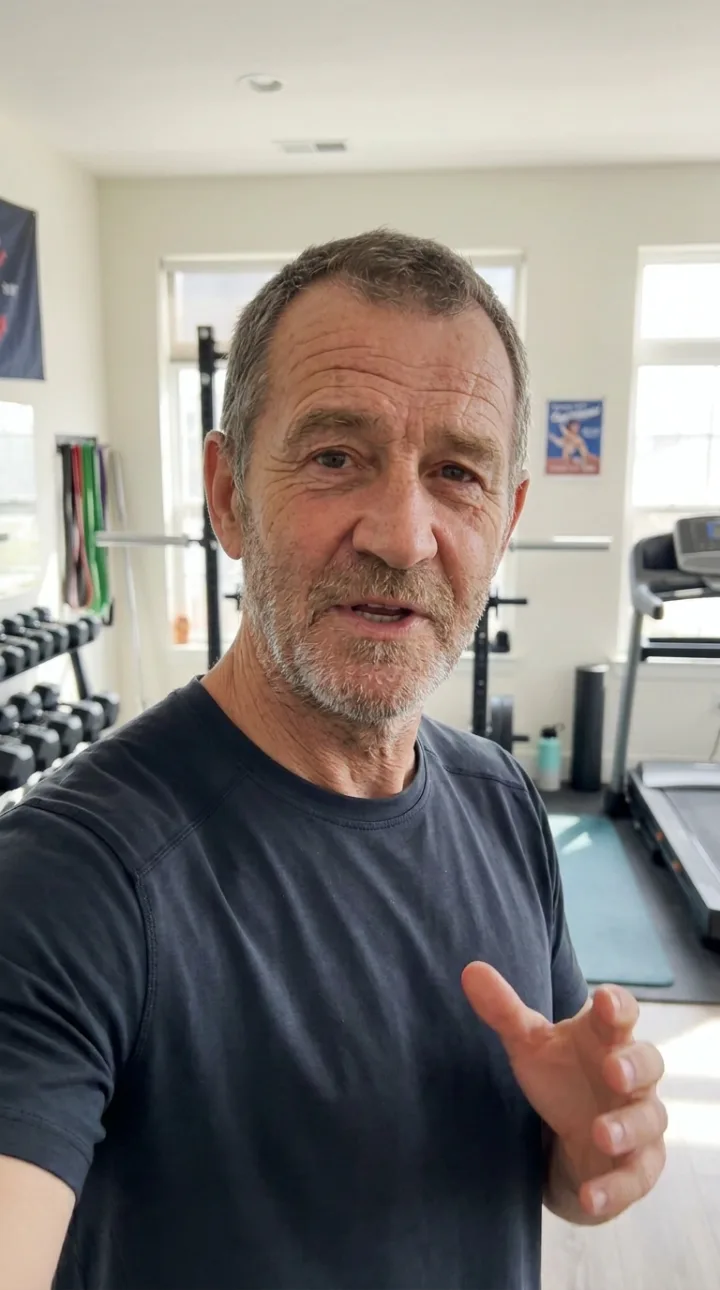
Expressions, speech, head turns and lighting carry over to the new face on every frame.
Body, clothes, voice, background and timing stay exactly as they were filmed.
Pick a saved Affogato character as the face, so your AI creator can appear in any footage.
Swap more than one person and choose which face goes where.
A clear, front-facing photo of the new face is enough to start.
Lipsync, voice, upscaling and the video editor are in the same place, on the same credits.
Choose the clip whose face you want to change.
Upload a photo or pick a saved character. For several people, match each face to a person.
The video comes back with the new face and everything else unchanged. Label it as AI when you publish.
A video face swap replaces one person's face with another across every frame of a clip. The model tracks the original face, its angle, expression and lighting, and renders the new face in its place, so the result moves and speaks exactly as the original did.
It differs from the two neighbouring tools. A photo face swap does the same thing on a single image. A character swap, which is what Videozypher does, replaces the whole person, body and outfit included, and keeps only the motion. A video face swap changes the least: one face, with everything else left as filmed.
People use it to put an AI influencer's face on real footage, to recast one ad for different audiences, and to protect the identity of someone on camera. It should only be used with faces you have the right to use: your own, a character you created, or a person who has agreed. Affogato's Video Face Swap is in private beta.
Your persona's face on real footage with human motion.
One shoot recast with a face for each audience.
Stand-ins, doubles and pick-up shots without a reshoot.
Replace a face that can't be shown and keep the footage.
Put yourself into a clip your friends will recognise.
It is in private beta. Request access on the Video Face Swap page in the app and we will email you when your invite is ready.
Face Swap swaps a face into any photo, with up to three faces in one image. Videozypher replaces the whole person in a 4 to 30 second video and keeps the motion.
A face swap changes only the face and keeps the body, clothes and voice. Videozypher replaces the entire person, so the new person has their own build and outfit.
Yes, the tool is designed to swap several faces in one clip and let you choose which face goes on which person.
Use faces you have the right to use: your own, a character you created, or someone who has given permission. Affogato does not allow swaps that put real people into sexual, violent, humiliating or fabricated scenes, and platforms ask you to label AI-altered video.
Open the Video Face Swap page in the app and request early access. It takes one click.
Request access to Video Face Swap, or use Face Swap and Videozypher today.
NO WATERMARKS · CREDITS ROLL OVER · COMMERCIAL LICENSE INCLUDED · CANCEL ANYTIME