Works toward your goal
Set the number that matters: views, subscribers or sales. Autopilot plans the week around it.
YouTube automation means running a channel where the ideas, scripts, videos and schedule are produced for you. Autopilot does that with AI: you set the goal and the look, it plans the week, makes each Short or long-form video, schedules it for your approval, then reads the analytics and adjusts. Autopilot is in private beta: request access in the app.
PRIVATE BETA · REQUEST ACCESS · YOU APPROVE WHAT GOES OUT · BUDGET YOU SET
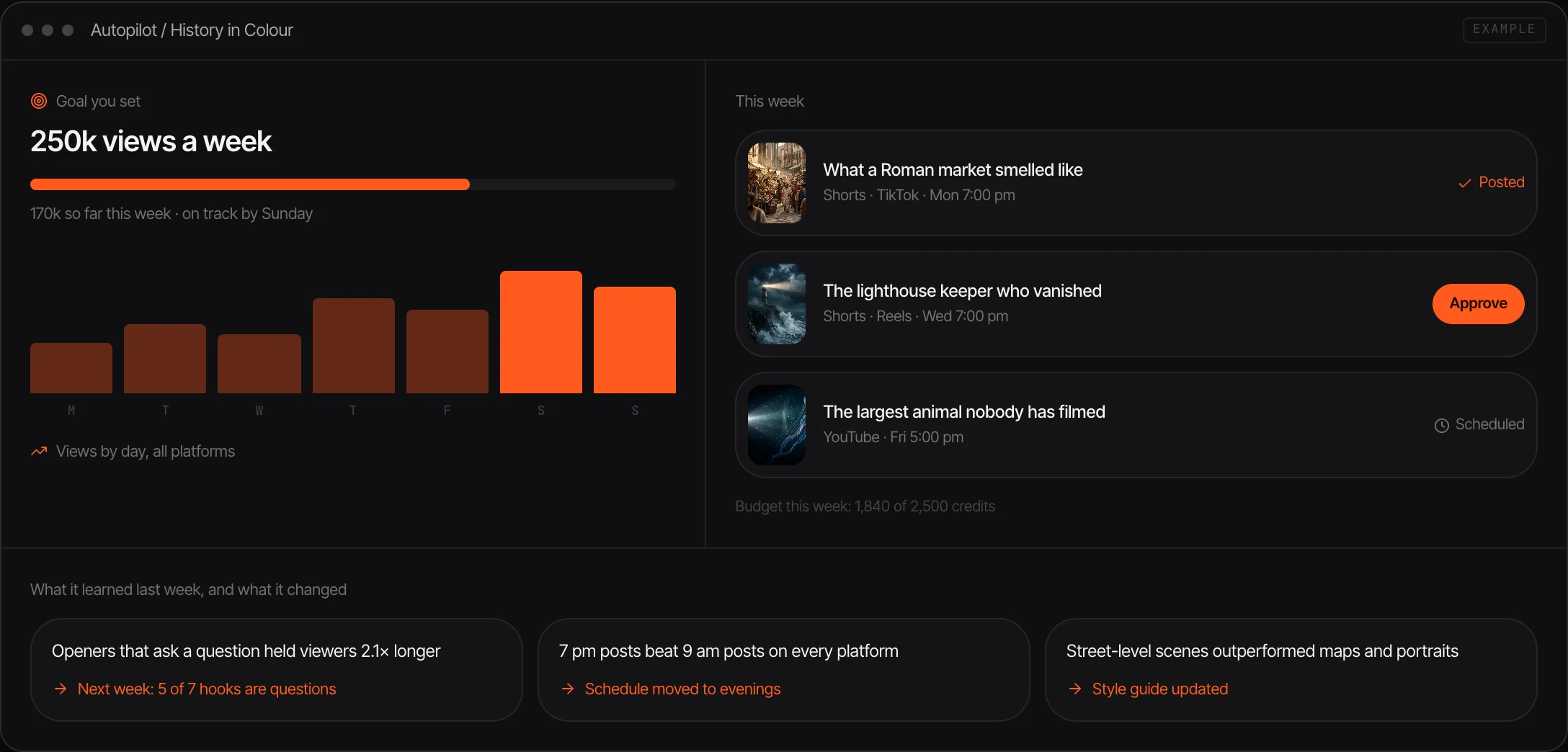


Set the number that matters: views, subscribers or sales. Autopilot plans the week around it.
It follows what is rising in your niche and what similar channels post, and picks topics that fit your channel.
Script, voice, scenes, captions and title for each video, in one consistent look.
Vertical Shorts every day and 16:9 episodes that also cut into Shorts.
It reads which hooks, topics and posting times held attention and puts that into next week's plan.
Approve every video, a weekly plan, or let it run. The channel works inside the credit budget you set.
Tell Autopilot the niche, the style and voice, and what you want the channel to achieve.
It lays out the week's videos with the cost. Approve the plan or each video as it is ready.
After each week it reads the results and changes the next plan: more of what worked, less of what didn't.
YouTube automation is a way of running a channel without making each video yourself. Traditionally the owner hires writers, voice actors and editors and manages them. With AI, the same steps are done by models: one writes the script, one reads it, one generates the footage.
Most AI tools stop at the single video: you still choose every topic, prompt every clip and upload by hand. Autopilot covers the whole loop. It studies the niche, plans a week of videos, produces and schedules them, and reads the analytics afterwards to decide what to make next. Your part is the goal, the look and the approval.
It is built on Affogato's video, voice and character models, so the style and the narrator stay the same from one upload to the next. Autopilot is in private beta. The pieces are available today in Video Studio, Audio Studio and the Video Editor if you want to make videos by hand while you wait for an invite.
History, stories, animals and explainers with no one on camera.
A daily vertical video in one recognisable style.
Add a niche without adding to your workload.
Product and how-to videos on a steady schedule.
Agencies running several channels with a budget each.
It is in private beta. Request early access on the Autopilot page in the app and tell us about the channel you want to run.
In the beta, Autopilot prepares and schedules each video for your approval. Posting straight to your connected accounts is planned.
YouTube allows AI-made videos and asks creators to disclose realistic altered or synthetic content. Its monetisation rules require original content and limit repetitive, mass-produced uploads, so a channel needs its own angle and variety.
A video generator makes one clip from a prompt. Autopilot chooses the topics, makes the videos, keeps the schedule and learns from the results.
Yes. You choose whether to approve every video, approve a weekly plan, or let it run automatically inside a budget, and you can change that at any time.
Autopilot uses Affogato credits. You see the cost of the week's plan before it starts and set a budget per channel.
Request access to Autopilot and tell us what you want it to run.
NO WATERMARKS · CREDITS ROLL OVER · COMMERCIAL LICENSE INCLUDED · CANCEL ANYTIME