No prompt needed
Two uploads and a click: the photo to change and the face to put in.
A head swap puts one person's face on another person's photo. Upload the photo you want to change and a photo of the face, and Face Swap blends the new face into the picture, matched to its angle, skin tone and light. There is no prompt to write, and it handles up to three faces in one image.
NO PROMPT · UP TO 3 FACES · ONE CLICK
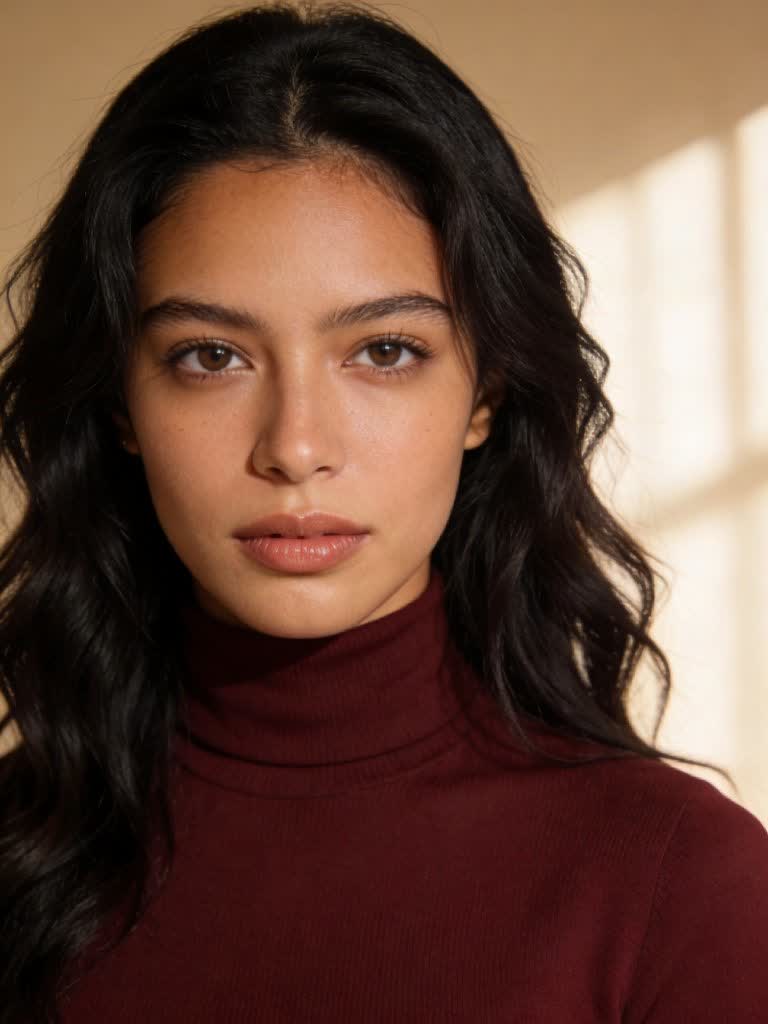
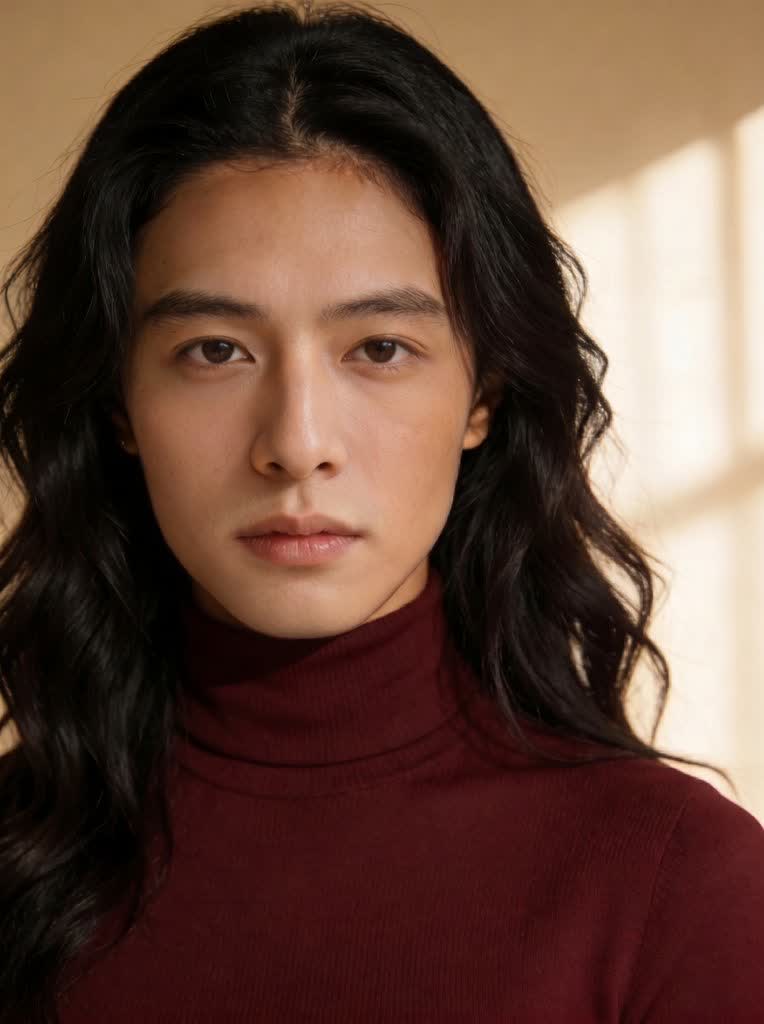
Two uploads and a click: the photo to change and the face to put in.
The new face takes on the angle, skin tone and lighting of the original picture.
Swap several people in a group photo in one go.
Hair, body, outfit and background stay as they are in the original.
Use a saved character's face to place your AI persona into any photo.
Send the result to True Touch for skin detail or to Upscale for size.
Add the picture whose face you want to replace.
Upload a clear, front-facing photo of the new face, or up to three for a group.
Run Face Swap and download the result, or refine it with True Touch.
A head swap puts one person's head on another person's body in a photo. In practice most people want the face: the same picture, outfit and pose, with a different person looking out of it. An AI head swap does this by detecting the face in the target photo and rendering the new one in its place, matched to the angle and the light.
Affogato's Face Swap changes the face and keeps the hair, head shape and everything else from the original photo. That keeps the result natural, because the hairline and lighting already belong to the picture. If you want a different hairstyle or outfit as well, edit the photo afterwards in Image Studio or use Clothes Swap.
For video, the options are different tools. AI Character Swap replaces the whole person in a clip and keeps the motion, and Video Face Swap, which changes only the face in a video, is in private beta.
Fix the one person who blinked.
Place your character's face into a real photo.
One shoot, a face for each audience.
Put yourself into a poster or a holiday snap.
Face Swap replaces the face and keeps the hair and head shape of the original photo, which keeps the result natural. To change the hair or outfit, edit the image afterwards in Image Studio.
Yes. Face Swap handles up to three faces in one image.
No. Upload the photo and the face and run it.
AI Character Swap replaces the whole person in a 4 to 30 second video. Video Face Swap, which changes only the face, is in private beta.
Your own, a character you created, or someone who has given permission.
Open Face Swap, upload the photo and the face, and run it.
NO WATERMARKS · CREDITS ROLL OVER · COMMERCIAL LICENSE INCLUDED · CANCEL ANYTIME