From your photo
Upload a clear photo of your face and it becomes a saved character.
An AI twin is a digital version of you that can appear in photos and videos you never shot. Upload a photo, and Influencer Studio saves your face as a character. From then on you can put yourself in any scene and outfit, turn the photos into video, and add a voice with lipsync when you want your twin to talk.
LOCKED IDENTITY · PHOTOS + VIDEO · 9:16 FIRST · MULTI-INFLUENCER ROSTER
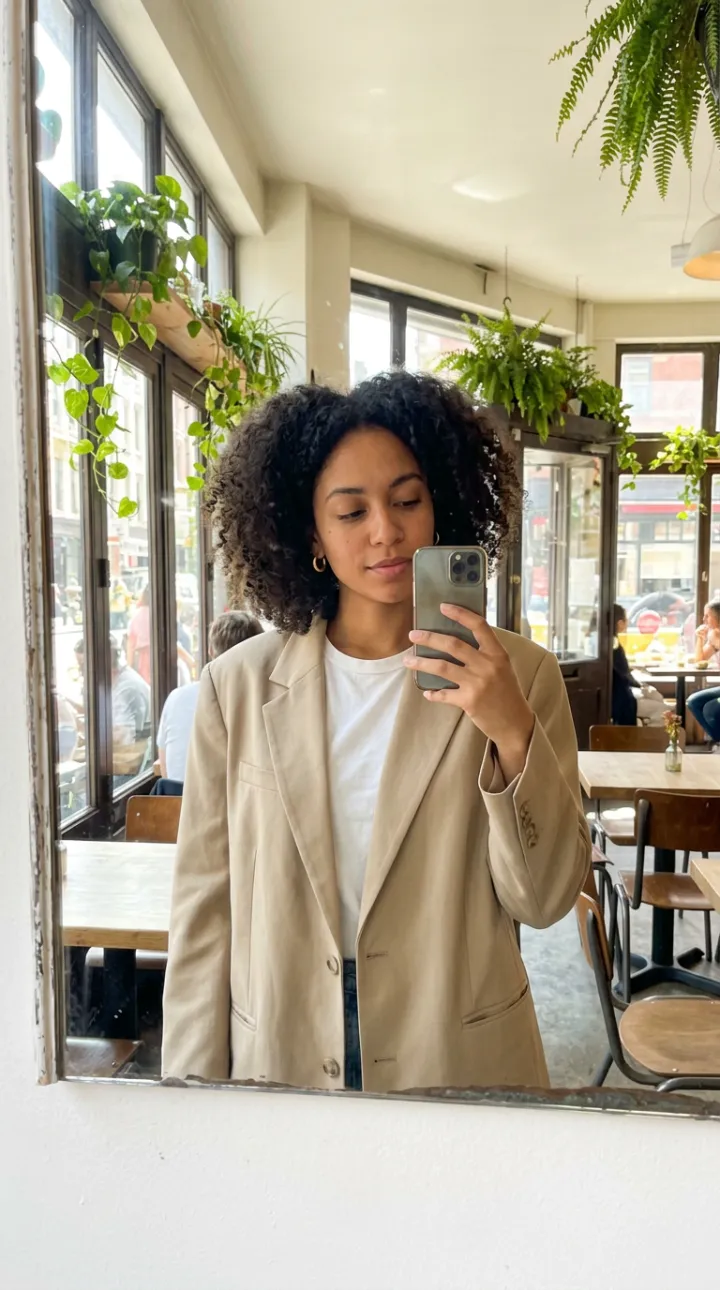
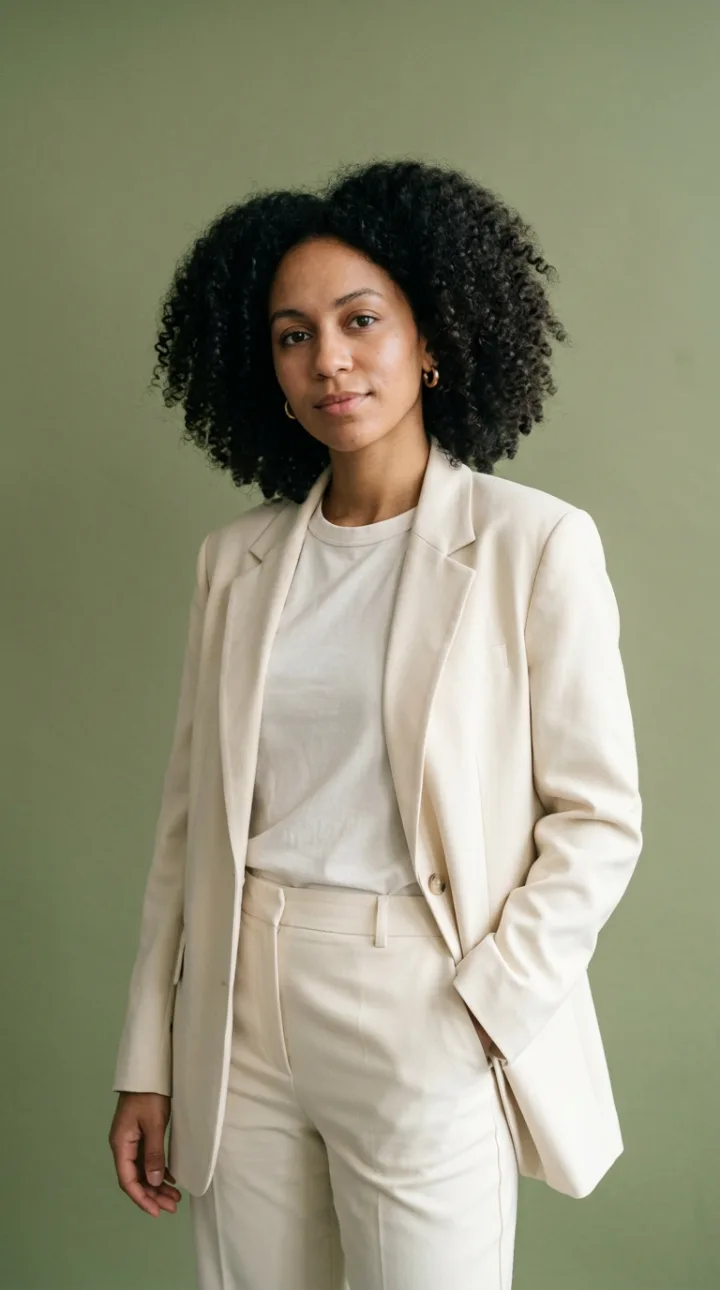
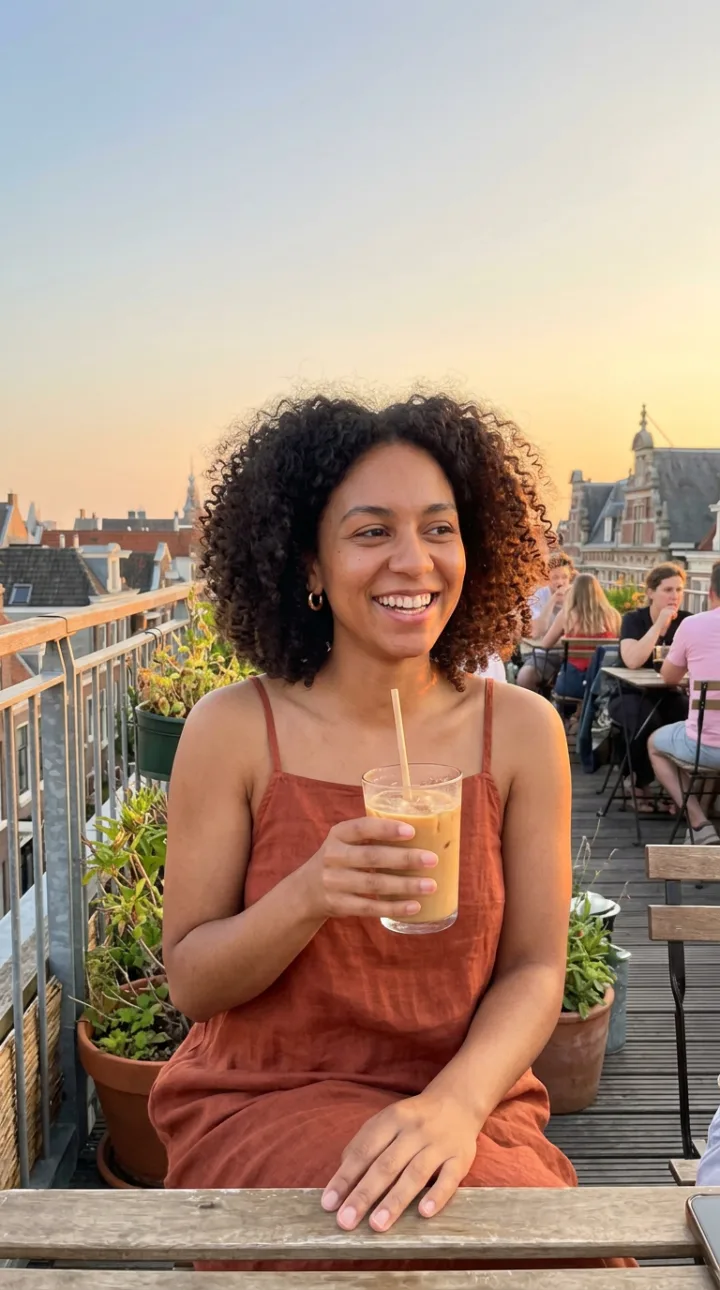
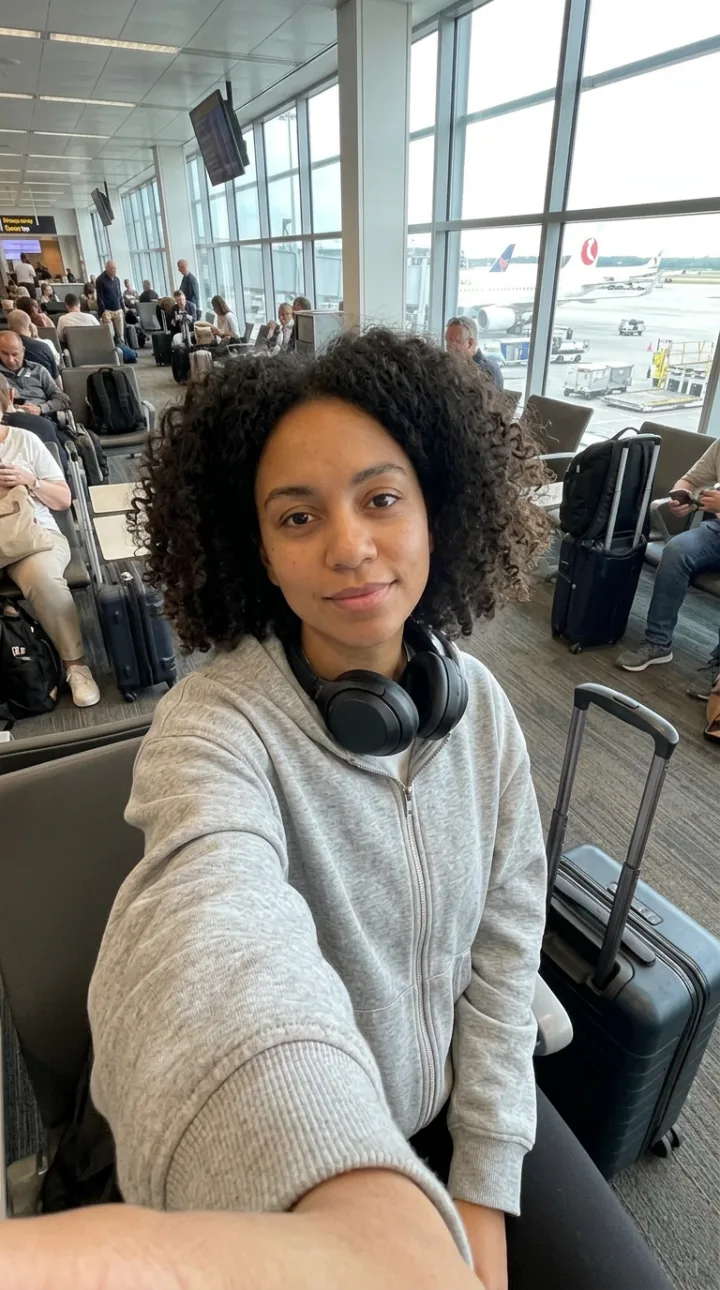
Upload a clear photo of your face and it becomes a saved character.
Face, body and details are locked, so every image is recognisably you.
Describe where you are and what you are wearing, or copy the composition of a photo you like.
Animate any photo into a 5 to 15 second clip, or copy the motion of a reference video.
Design a voice in Audio Studio and use Lipsync or Talking Head Studio to make your twin speak.
Your character is saved to your workspace and is used only in what you generate.
Add a clear, front-facing photo and finish the short setup for body and details.
Write the scenes you want, or pick AI-suggested ideas, and generate several shots per prompt.
Turn photos into video, and add a voice with Lipsync when your twin needs to talk.
An AI twin, also called an AI clone or a digital twin, is a model of a person that can generate new photos, video and speech of them. Creators use one to keep posting without filming every day, and professionals use one for presentations, courses and ads.
It has two parts. The visual twin is your face and body, held consistent across generated images and video. The voice is a synthetic voice that speaks your scripts. On Affogato the visual twin is a character in Influencer Studio, and the speaking part comes from Audio Studio with Lipsync or Talking Head Studio.
Make a twin only of yourself or of someone who has agreed to it, and tell your audience when a post is AI-generated. Platforms ask for that label on realistic synthetic media.
Posts of you without a daily shoot.
Scripts delivered by your twin, in your look.
You, holding the product, in any setting.
A presenter that is always available.
Upload a clear photo of your face in Influencer Studio. It is saved as a character, and you generate photos and videos of that character in any scene.
Yes. Create a voice in Audio Studio and use Lipsync or Talking Head Studio to make the twin speak a script.
Audio Studio lets you design a custom voice or pick one from the library. It is not a recording-based clone of your own voice.
The face is taken from your photo and locked across every generation. Clear, well-lit, front-facing photos give the best likeness.
Only you and the people in your workspace. Characters are not shared outside it.
Open Influencer Studio and upload your photo to start.
NO WATERMARKS · CREDITS ROLL OVER · COMMERCIAL LICENSE INCLUDED · CANCEL ANYTIME