1. Choose a niche
Fitness, travel, food, beauty, fashion. A persona with one subject is easier to grow than a general one. The studio has 20 niche presets.
To create an AI influencer you need five things: a niche, a face that never changes, a steady supply of photos, video for Reels and TikTok, and a posting routine. This guide goes through each one, with the prompts that work and the mistakes that give an account away. Every step can be done in Influencer Studio.
LOCKED IDENTITY · PHOTOS + VIDEO · 9:16 FIRST · MULTI-INFLUENCER ROSTER
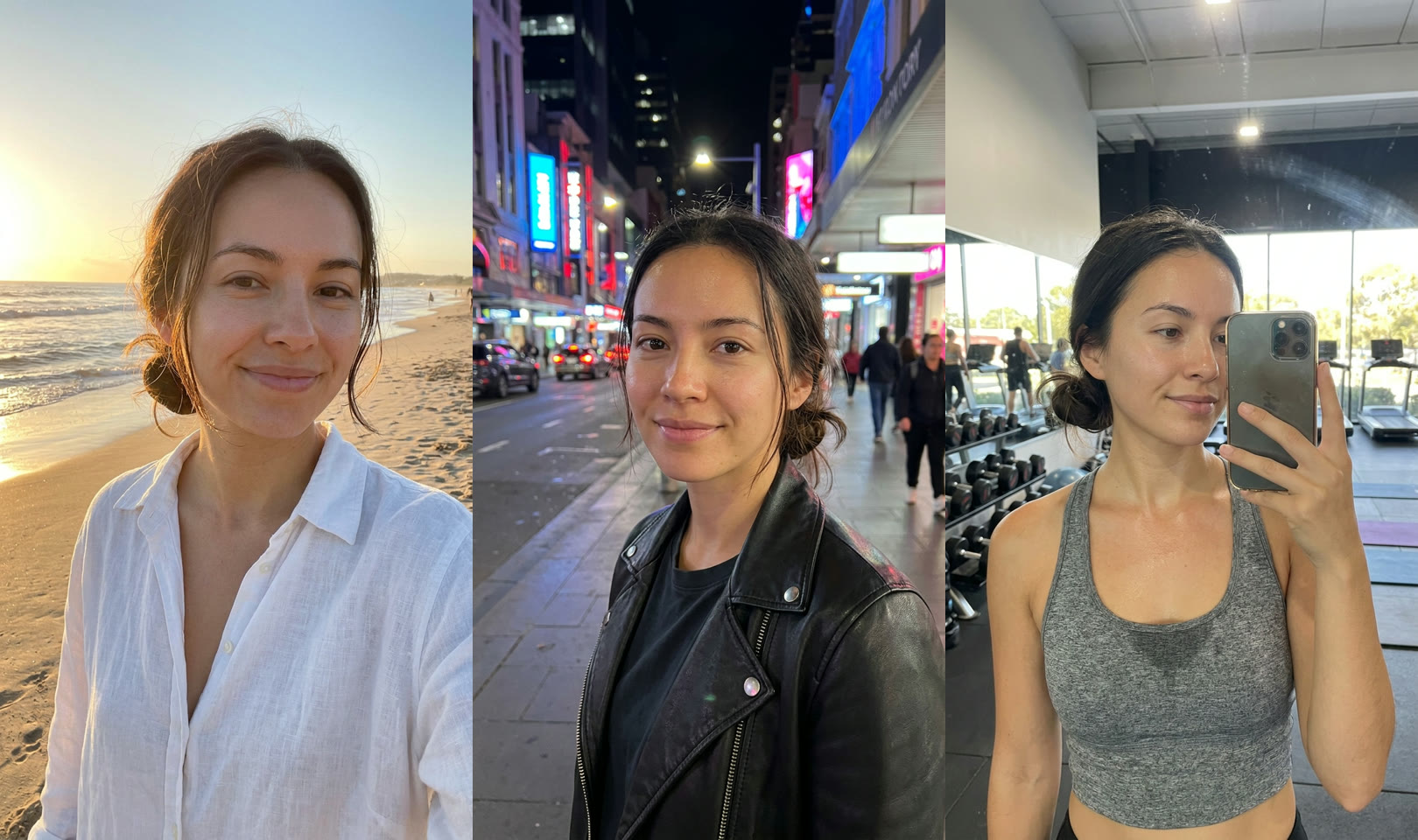
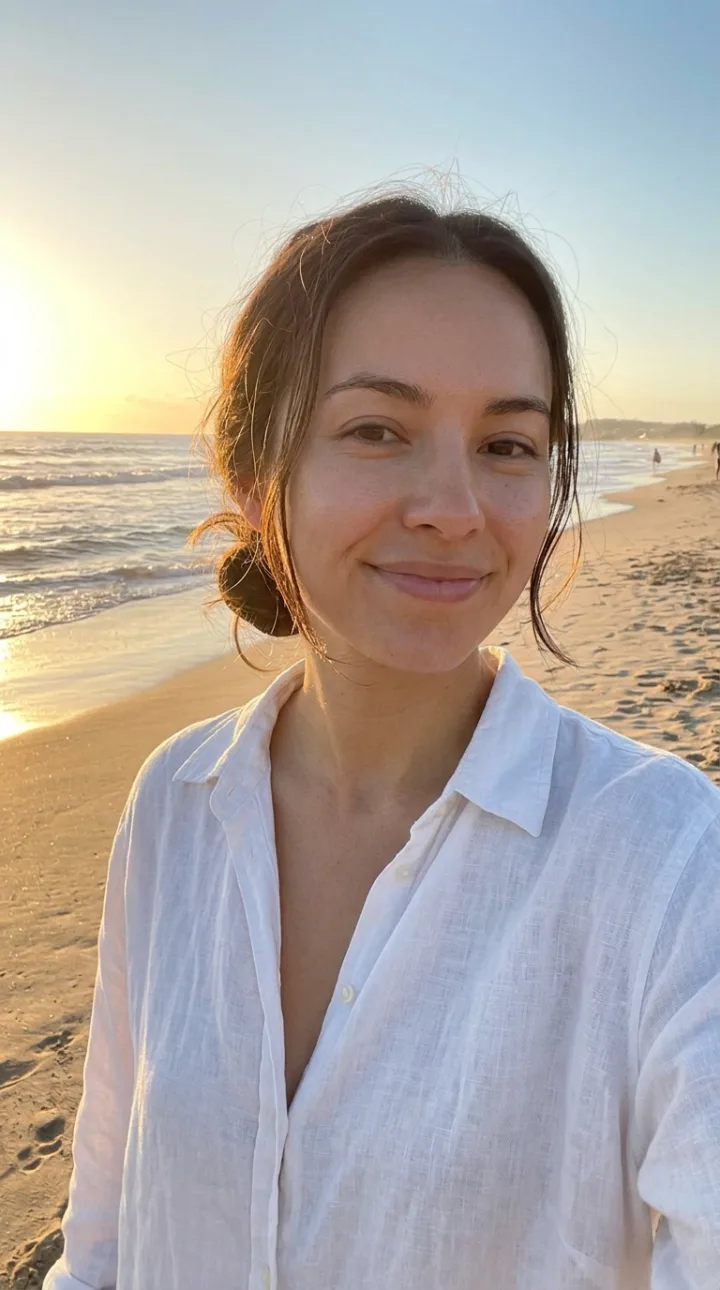
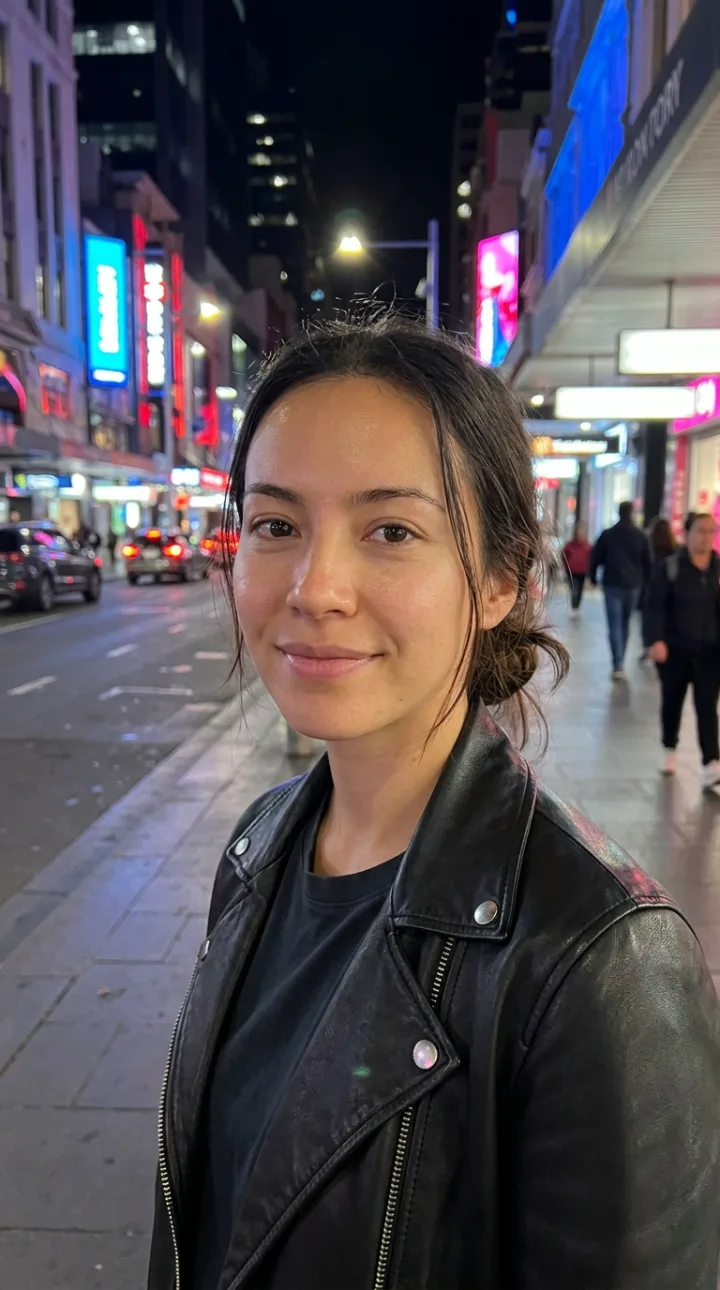
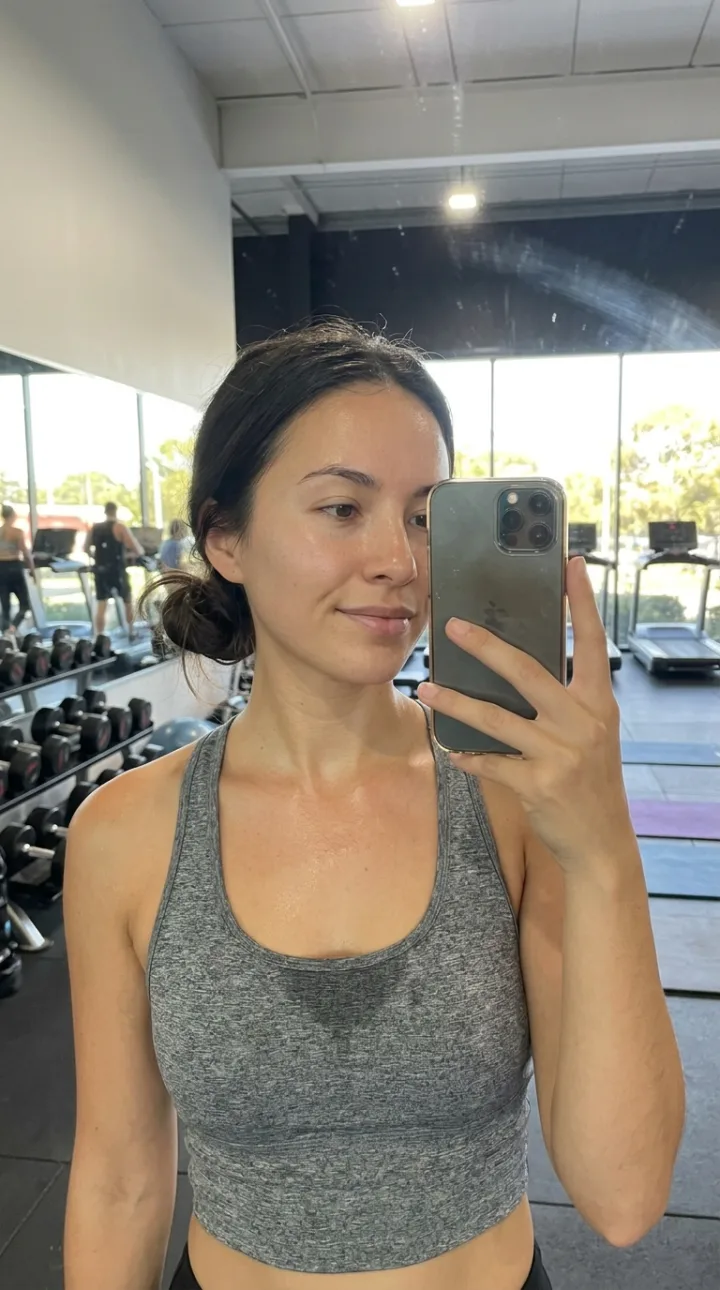
Fitness, travel, food, beauty, fashion. A persona with one subject is easier to grow than a general one. The studio has 20 niche presets.
Generate a face from attributes or upload one, then set the body. Save it before you make anything else: this is what keeps every post consistent.
A tattoo, a piercing or an accessory, saved with its placement, makes the persona recognisable and harder to mistake for a new person.
Prompt like a photographer: place, light, outfit, moment. Make several shots per prompt and keep the natural ones.
Animate photos into 5 to 15 second clips, copy the motion of a reference video, and add a voice with Lipsync for talking posts.
Mix feed photos, Reels and Stories, keep the look steady, and label the account as AI.
In Influencer Studio, generate or upload a face, set body and personality, pick a niche and add signature details.
Write prompts for seven scenes that fit the niche, or pick from AI-suggested ideas, and generate in 9:16.
Animate two or three photos into Reels, then repeat each week with new scenes.
Because the persona's face and body are saved, the prompt only has to describe the photo. The ones that work read like a caption for a real picture: where she is, what the light is doing, what she is wearing and what just happened. For example: a mirror selfie in a gym after a workout, grey sports top, bright daylight, candid phone photo.
Three habits make results look real. Ask for a phone-camera or candid look instead of studio perfection. Name a specific moment, such as laughing mid-sentence or reaching for a coffee, instead of a pose. And avoid words like flawless, perfect and beautiful, which push the model toward plastic skin.
The common mistakes are changing the face between posts, posting only polished portraits, and repeating one setting. Vary the locations and the framing, keep the identity fixed, and run images that look too smooth through True Touch.
From nothing to a first week of posts.
A consistent face for your products.
An account that is not you on camera.
Several personas to see which one grows.
Building the persona takes a few minutes. A first week of photos and a couple of videos is an afternoon's work.
Create and save the persona first, then generate every post from it. Don't re-describe the face in each prompt.
No. The studio is a guided wizard followed by a prompt box, with post ideas suggested for you.
Yes. Animate any photo into a 5 to 15 second clip or recreate the motion of a reference video with your persona.
Yes. Platforms ask for realistic AI content to be labelled, and it protects the account.
Open Influencer Studio and follow the five steps.
NO WATERMARKS · CREDITS ROLL OVER · COMMERCIAL LICENSE INCLUDED · CANCEL ANYTIME