Any picture of the clothes
Product photos, flat-lays, hanger shots, or a photo of someone else wearing the piece.
Upload a photo of a person and a picture of the outfit you want: a product shot, a flat-lay, or a photo of someone else wearing it. The AI clothes changer dresses them in it and keeps their face, pose and body. Add up to four pieces for a full look.
1 PHOTO + UP TO 4 GARMENTS · NO PROMPT NEEDED · KEEPS FACE AND POSE
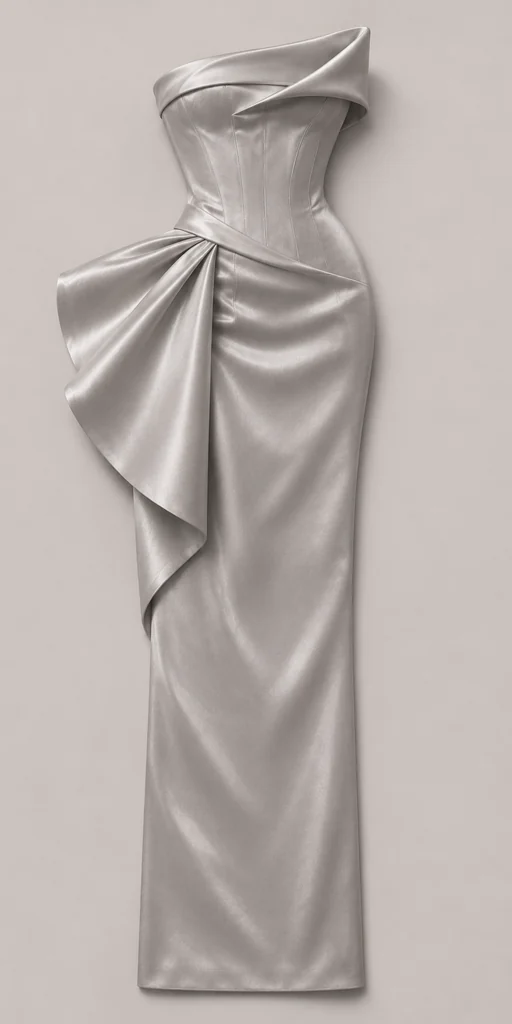
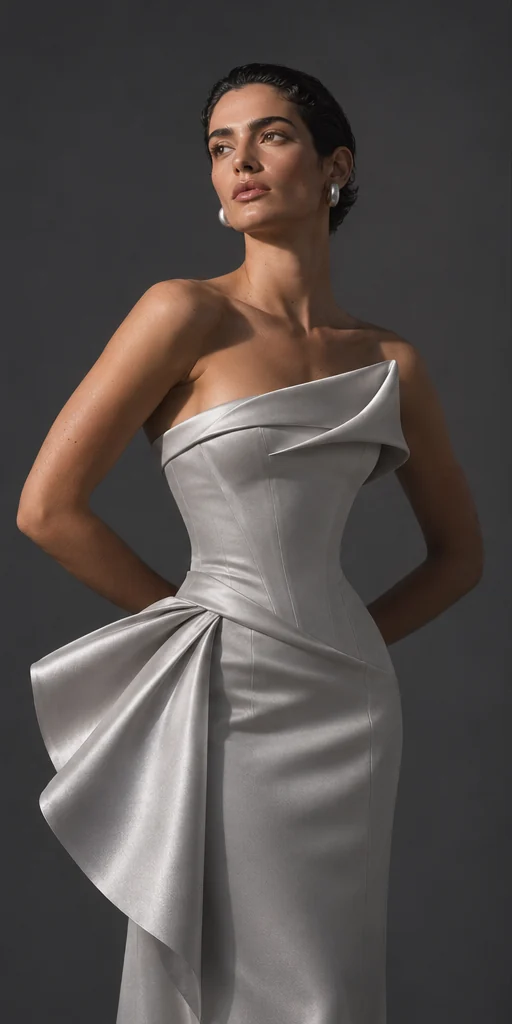
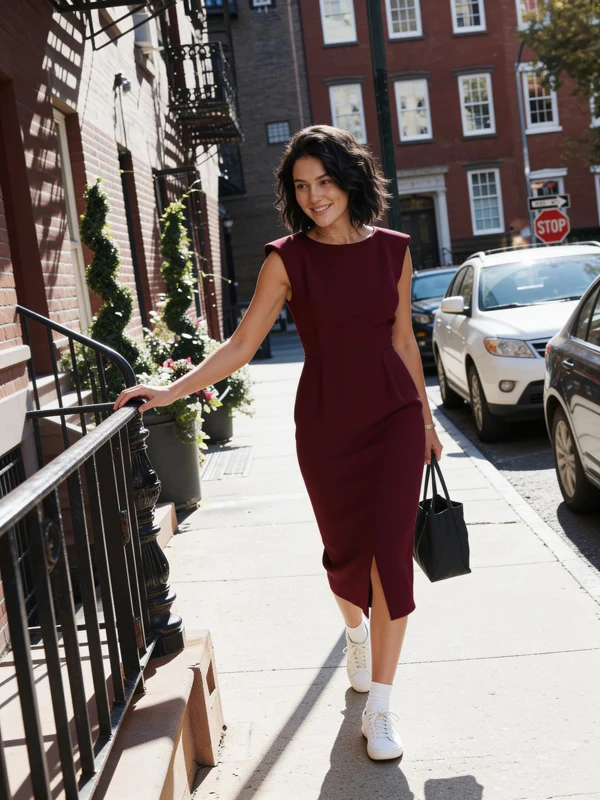
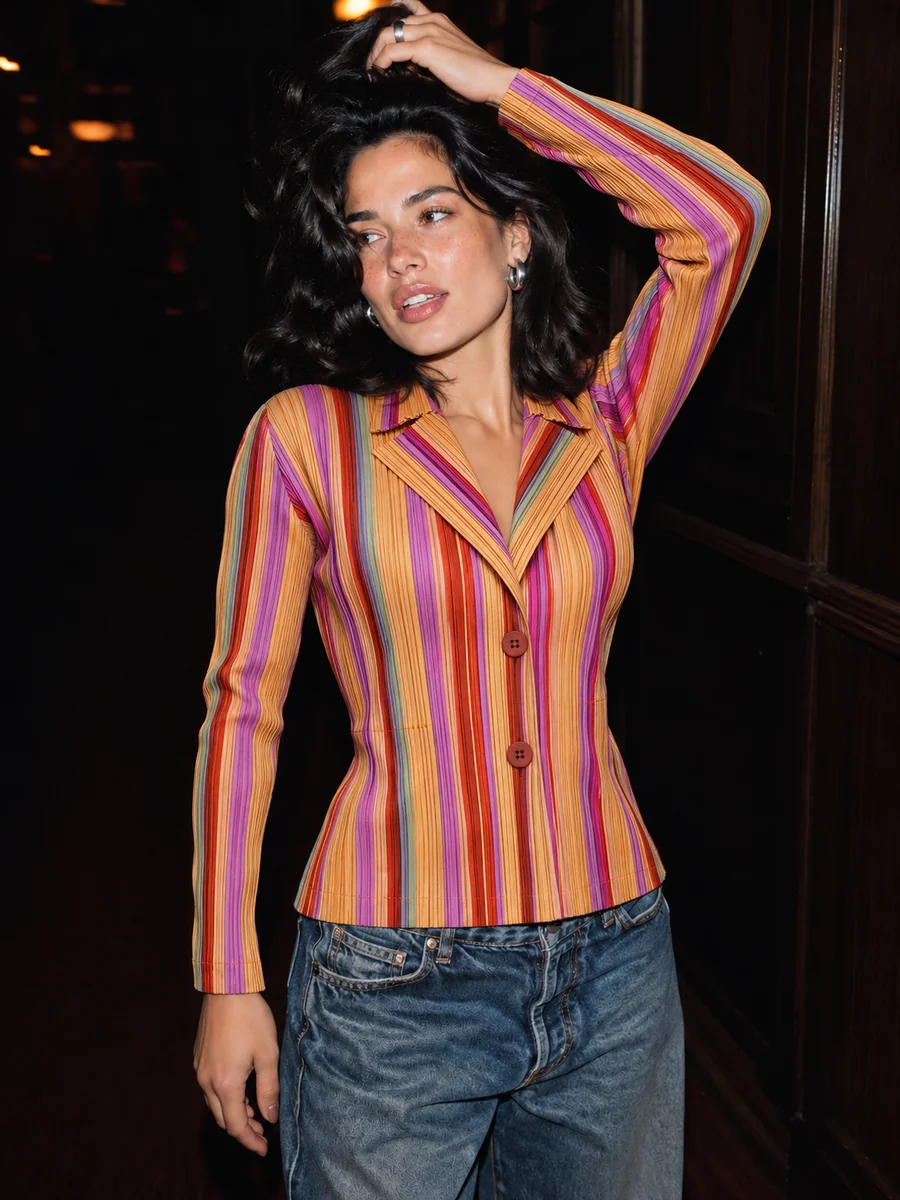
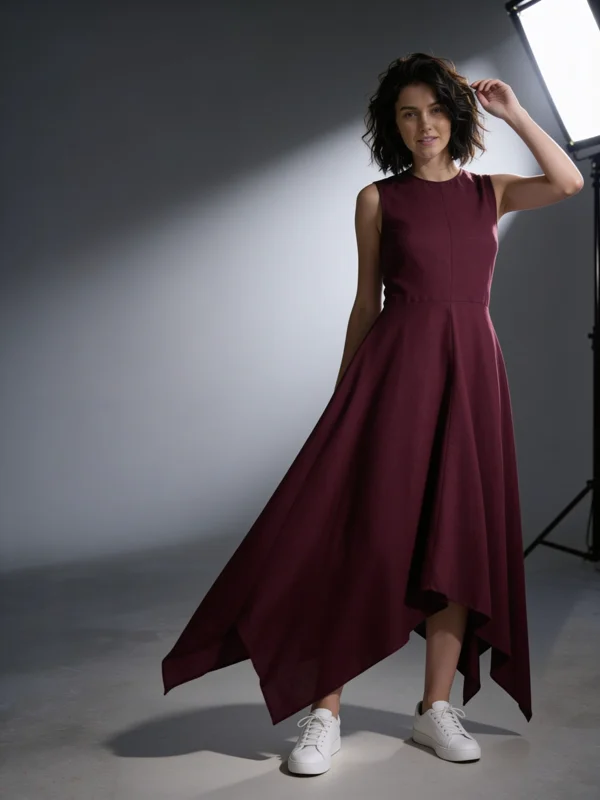
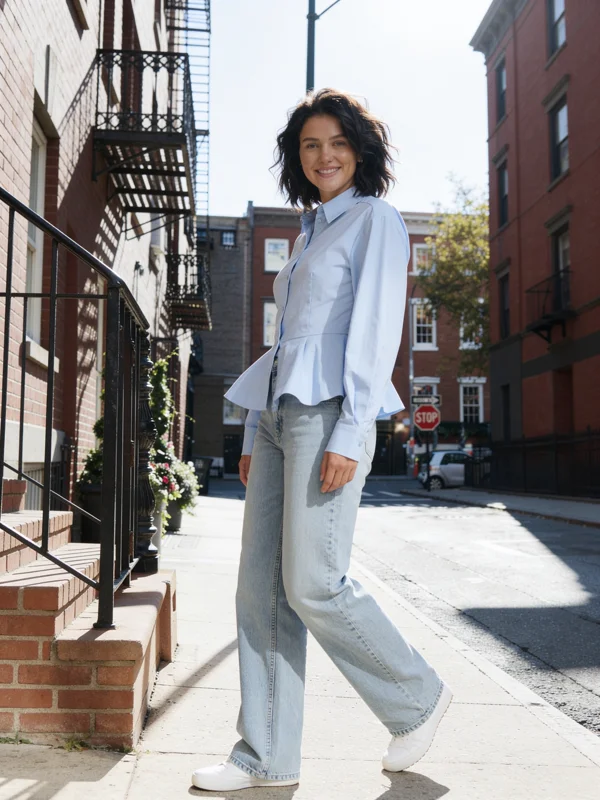
Product photos, flat-lays, hanger shots, or a photo of someone else wearing the piece.
Only the clothes change. The person's face, body, pose and framing are kept.
Combine a top, bottom, shoes and a bag from up to four pictures in one go.
Add a line like "evening street, warm light" to change the setting too, or leave it blank.
Ask for a few results and keep the one where the fit and fabric look best.
Turn a finished look into a short video in the same studio.
A clear photo of the person, ideally full or three-quarter length. PNG, JPEG or WebP up to 20 MB.
One to four pictures of the garments. Optionally, describe the setting or light.
Check the credit estimate and run it. The new outfit keeps the person's framing.
An AI clothes changer takes a photo of a person and a picture of a garment and makes a new photo of that person wearing it. It is the same idea as a virtual fitting room: you see how something looks on a body without putting it on or booking a shoot.
Affogato's clothes changer reads the garment's colour, fabric, print and cut from your pictures and redraws only the clothing, so the face, hairstyle, pose and background stay as they were. With up to four garment pictures you can build a complete outfit in one run.
Shops use it to turn flat-lays into on-body photos, creators use it to restyle a character, and anyone can try a look before buying it. Use photos of yourself or people who have agreed.
See a dress or jacket on your own photo before ordering.
Show every item on a person without a model day.
Give an AI influencer a new outfit for every post.
Mix pieces into full looks and compare them side by side.
Affogato runs on credits; each result costs a few credits and the exact cost is shown before you run it. Paid plans have no watermark and include a commercial licence.
Yes. Only the clothing changes; your face, hair, pose and body are kept.
A clear picture of the whole garment: a product photo on a plain background, a flat-lay, a hanger shot, or someone else wearing it.
Yes. Clothes Swap for video changes an outfit across a clip; see the clothes swap video guide.
Yes, up to four garment pictures per run, for example a top, trousers, shoes and a bag.
Upload a photo and the clothes, and see it on them in under a minute.
NO WATERMARKS · CREDITS ROLL OVER · COMMERCIAL LICENSE INCLUDED · CANCEL ANYTIME