Everyone is found for you
The clip is scanned first and each person appears as a card, including people who walk in later.
Most face swap tools change one face, or every face whether you like it or not. Video Face Swap finds each person in your clip and shows them to you. Pick who changes, give each one their own face, and leave everyone else exactly as filmed.
EVERY PERSON DETECTED · YOU PICK WHO CHANGES · 5 CREDITS A SECOND
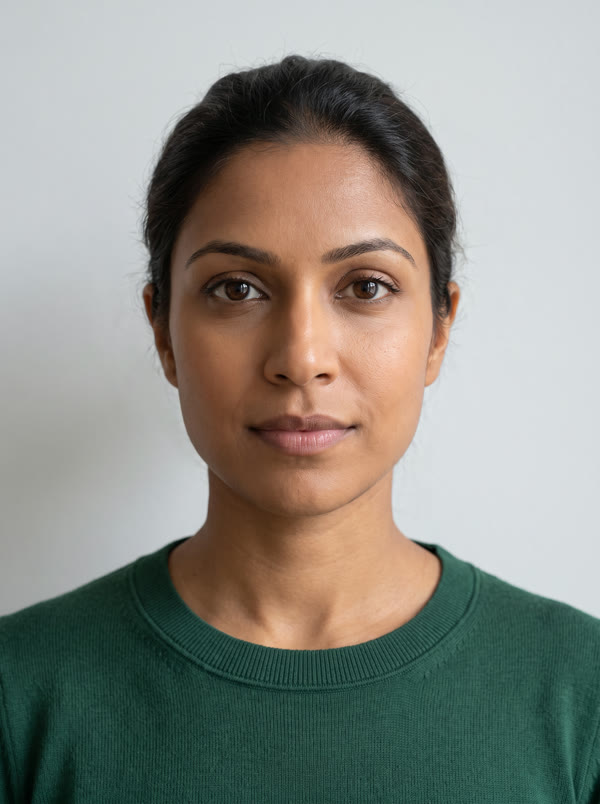
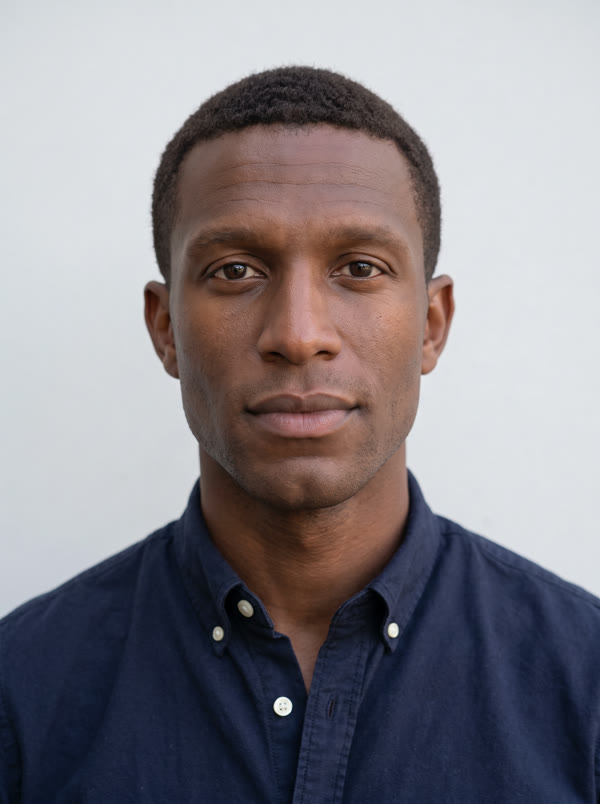
Two people, two new faces, one run. The woman on the left got this face; the man on the right got the one below.
The clip is scanned first and each person appears as a card, including people who walk in later.
Swap one person, several, or all of them. Anyone you don't pick stays untouched.
Upload a different photo for each person you change, or put one face on everyone.
People are followed across camera cuts and when they move around, so the right face stays on the right person.
Every expression, glance and word carries over, and the original audio is kept.
5 credits per second of video, however many people you swap.
MP4, MOV or WebM up to 2 minutes. We scan it and show you each person we found.
Tap each person you want to change and upload the face that should replace theirs.
Check the cost and start. The finished video keeps its sound, and everyone you didn't pick is unchanged.
A multiple face swap replaces more than one face in the same clip. The hard part isn't the swap, it's keeping track of who is who: when two people cross, turn away or the camera cuts, a careless tool puts the wrong face on the wrong person, or swaps someone you wanted to keep.
Video Face Swap solves this in two steps. It first scans the video and groups every appearance of each person, then shows you one card per person. You decide who changes and with which face, and the swap follows each person on their own through the whole clip.
For the most natural result, give each person a new face with a similar face shape to their own: similar jaw, cheekbones and forehead. Use faces you have the right to use, and label AI-altered video when you publish it.
Recast a two- or three-person spot for each market from one shoot.
Put yourselves into a duet, a dance or a sketch in one go.
Replace only the faces of people who didn't agree to appear.
Keep a recurring cast of AI characters on real actors.
As many people as the clip contains. Each person you pick gets their own face, and the price stays 5 credits per second of video.
Yes. Pick only that person; everyone else is left exactly as filmed.
Yes, there is an option to put one face on every person in the clip.
Yes. Each person is tracked across cuts and movement so their new face stays with them.
Face Swap for photos places one face per run, so run it once for each person.
Upload a clip, choose who changes, and swap.
NO WATERMARKS · CREDITS ROLL OVER · COMMERCIAL LICENSE INCLUDED · CANCEL ANYTIME