Every frame
The face is swapped on each frame, so the GIF moves exactly as before.
Upload a GIF and a photo of the face you want in it. Video Face Swap follows the face through every frame, keeps the motion and the loop, and gives you a GIF back, ready to drop into a chat, a meme or a post. Several people in the GIF? Choose who changes.
GIF IN · GIF OUT · EVERY FRAME · 5 CREDITS A SECOND


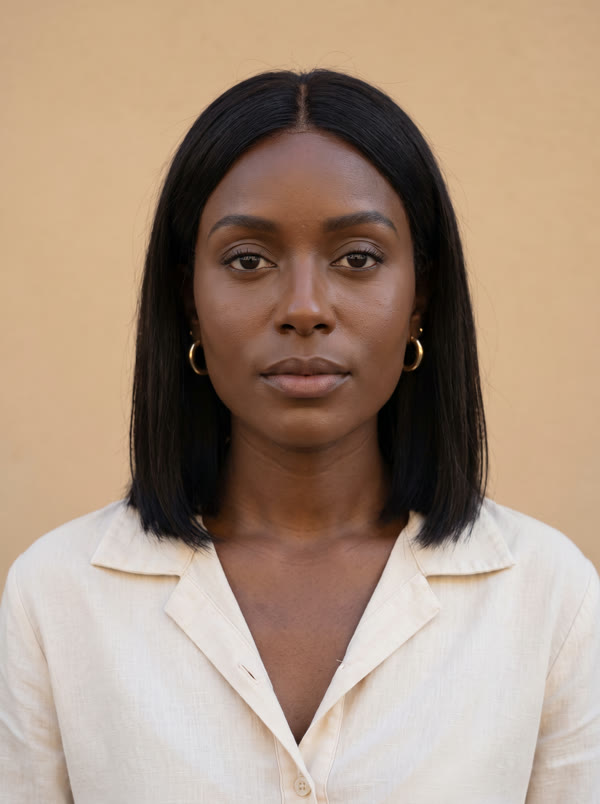


One photo in, a looping GIF out.
The face is swapped on each frame, so the GIF moves exactly as before.
Upload a GIF and you get a looping GIF back, sized for sharing.
Smiles, blinks and reactions carry over to the new face.
In a GIF with several people, choose which faces to swap.
One clear, front-facing photo of the new face is all it needs.
The same tool swaps faces in MP4, MOV and WebM videos up to 2 minutes.
Any animated GIF with a visible face, up to 2 minutes long.
Upload one clear photo. With several people, pick who changes.
Check the cost and start. Your face-swapped GIF lands in your assets, ready to download.
A GIF is a short, silent, looping clip, so a GIF face swap is a video face swap with a GIF on both ends. Each frame is read, the face is found and tracked, the new face is rendered in its place with the same angle, expression and light, and the frames are written back into a GIF with its own colour palette so it still looks clean.
The best results come from a GIF where the face is large and clearly visible, and from a new face with a similar face shape to the one you replace. Skin tone, features and ethnicity can all change.
Use faces you have the right to use: your own, a character you made, or a friend who is in on the joke. Don't use it to mislead anyone or to put real people into embarrassing scenes.
Put yourself or a friend into the reaction everyone uses.
Recast a classic loop with your own face.
Custom GIFs for birthdays, wins and inside jokes.
Give your AI character its own reaction GIFs.
Yes. When you upload a GIF, the result is a looping GIF. Upload a video and you get a video with its sound.
5 credits per second, with a 25-credit minimum, so most GIFs cost 25 credits.
Swaps run on credits, from 25 for a short GIF. Paid plans have no watermark and include a commercial licence.
Yes. Every person in the GIF is detected, and you choose which ones change and with which face.
Usually the face is very small, turned away, or a very different shape from the new face. Pick a GIF with a clear face and a new face with a similar shape.
Upload a GIF and a photo, and swap.
NO WATERMARKS · CREDITS ROLL OVER · COMMERCIAL LICENSE INCLUDED · CANCEL ANYTIME